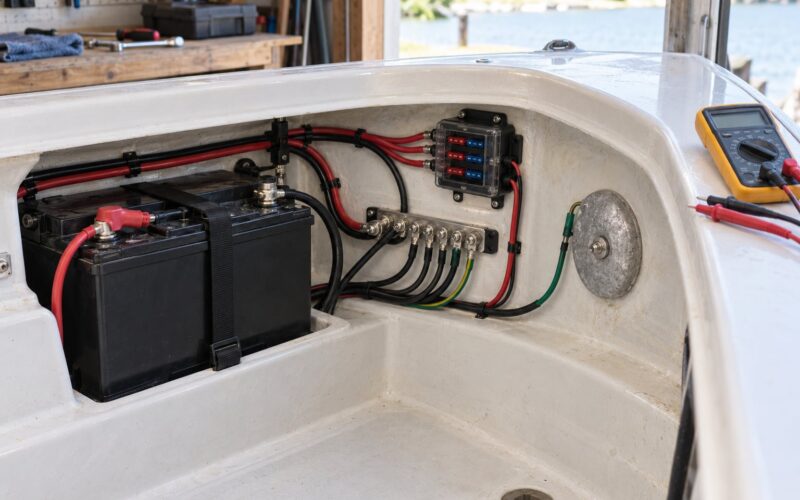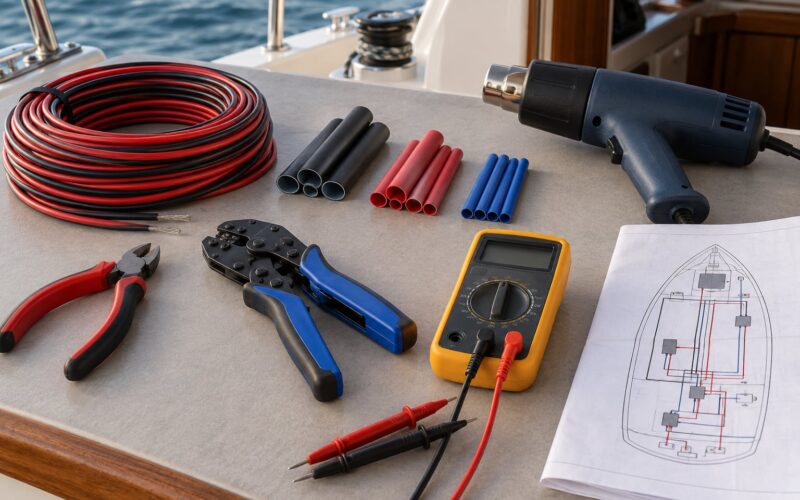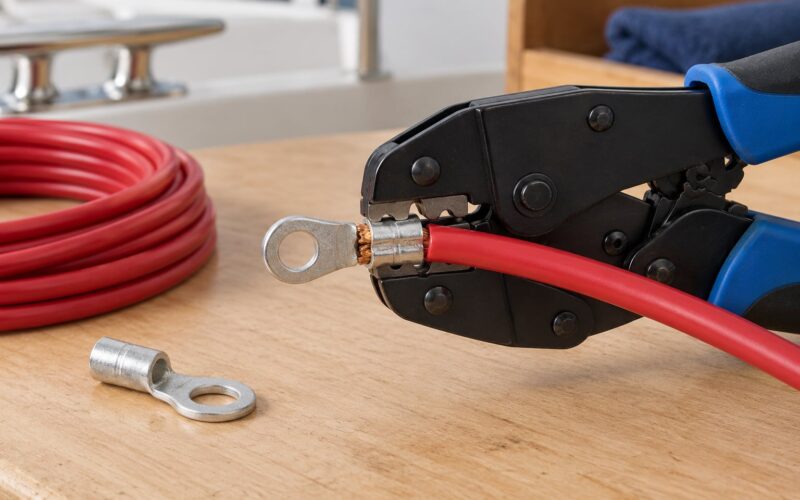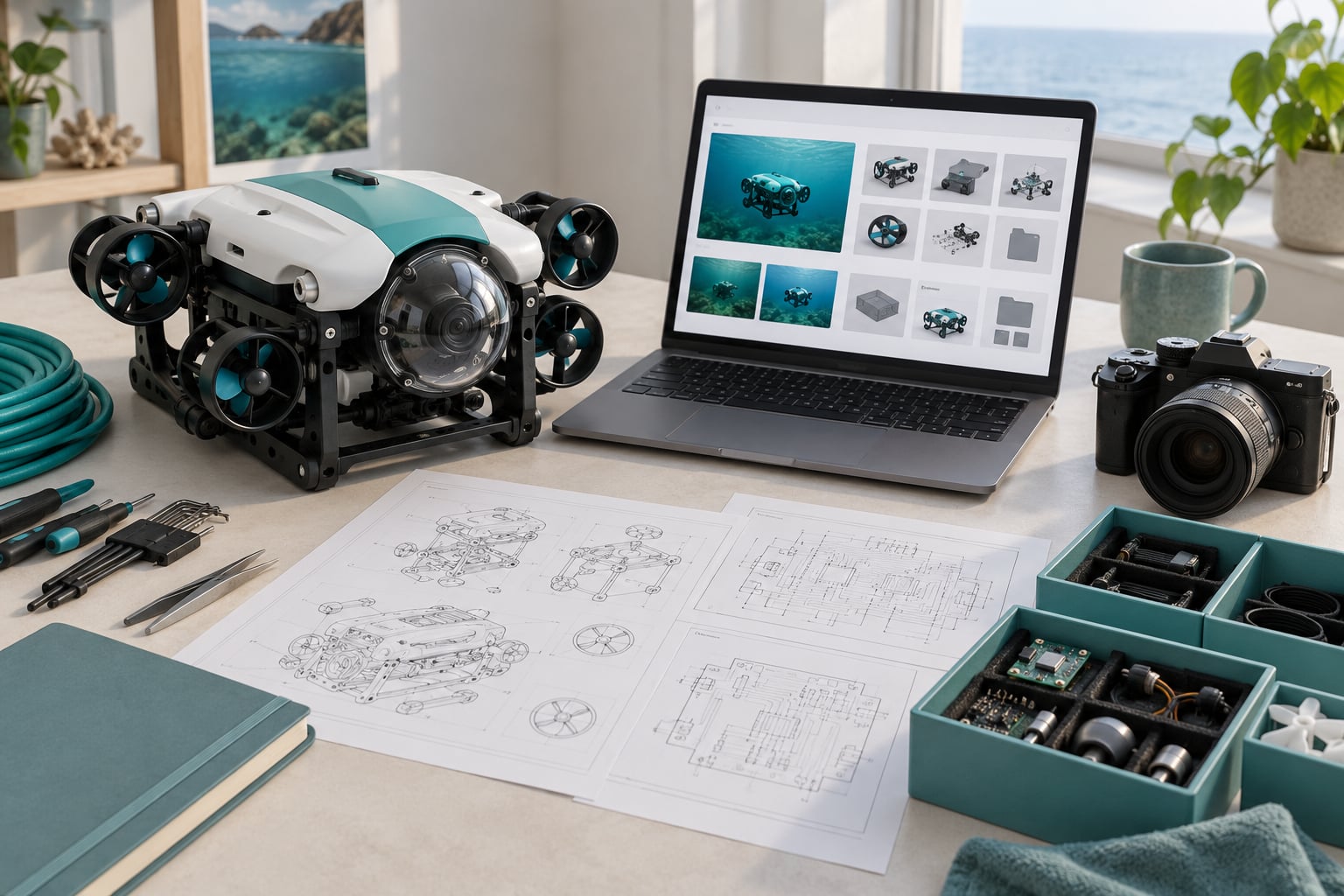
A press kit for a hardware project is one self-contained web page holding everything a journalist needs to write accurate coverage of a physical product: a short company description, a downloadable spec sheet, high-resolution photos cleared for publication, founder bios, quotable lines, and a press contact who actually answers email. Learn how to make a press kit for a hardware project by assembling those assets yourself, then publishing them on your own domain where a reporter can grab what they need without a single follow-up question.
If you build things for a living — a marine robot, a sensor board, a piece of open hardware — you already know the audience. r/hwstartups readers are makers who will pull apart your claims, and technology editors want to know what is actually different about your design. The gap between the two is usually a missing press kit.
A realistic first version takes a weekend. No agency, no budget beyond maybe a photo shoot and a cheap domain, and no PR experience required.
Table of Contents
- What You Need
- Step-by-Step
- Step 1: Define the Project and Its Newsworthy Angle
- Step 2: Write a Concise Project Description
- Step 3: Assemble the Essential Visual Assets
- Step 4: Prepare Technical and Supporting Documents
- Step 5: Add Contact and Availability Information
- Step 6: Package the Files for Easy Reuse
- Step 7: Review and Publish the Press Kit
- Common Mistakes
- Frequently Asked Questions
- What should be included in a hardware project press kit?
- How long should a press kit be for a hardware project?
- What file formats should I provide for press photos and logos?
- Should a hardware press kit include schematics and technical documents?
- How often should a press kit be updated?
- What is the difference between a press kit and a media page?
- Conclusion
What You Need
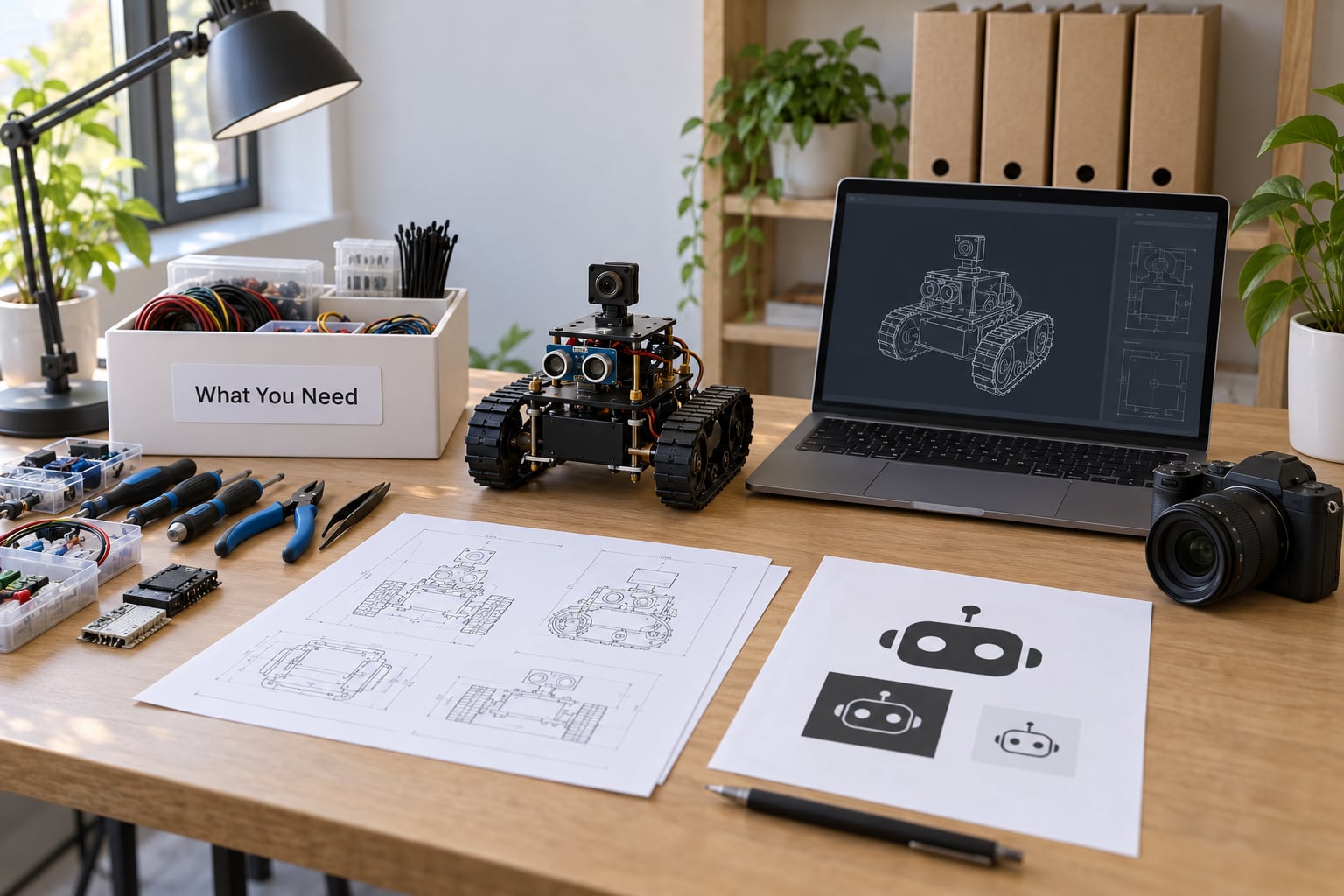
You need five groups of material before you assemble anything, and most of them already exist in some rough form inside your project repository.
Documents
A one-paragraph company or project overview, a 100-word founder bio, a plain-language product description, and a written quote or two you would be happy to see printed. Keep the overview under 150 words so an editor can lift it straight into a story.
Visual assets
Product photos at 300 DPI or better, at least three angles plus one in-situ shot showing scale. Add an exploded view or block diagram, a CAD render if the unit is not built yet, and a logo pack with SVG, EPS, and a transparent PNG.
Project information
The spec sheet with the numbers that matter, current build stage, availability and delivery timeline, certification status (FCC, CE, UL — only what you actually hold), licensing terms, and any published test data. Reviewers probe the gap between claimed and measured performance, so publish the measurements you have.
Contact details
One named person, one email address that a human reads, a phone number, the project website, and the social profiles. A no-reply contact form is worse than nothing here.
File and distribution tools
Export images as JPEG and PNG, drawings as SVG or PDF, and documents as PDF. A zip archive of the asset folder saves your future self, and a page on your own domain beats a shared drive link every time.
Step-by-Step
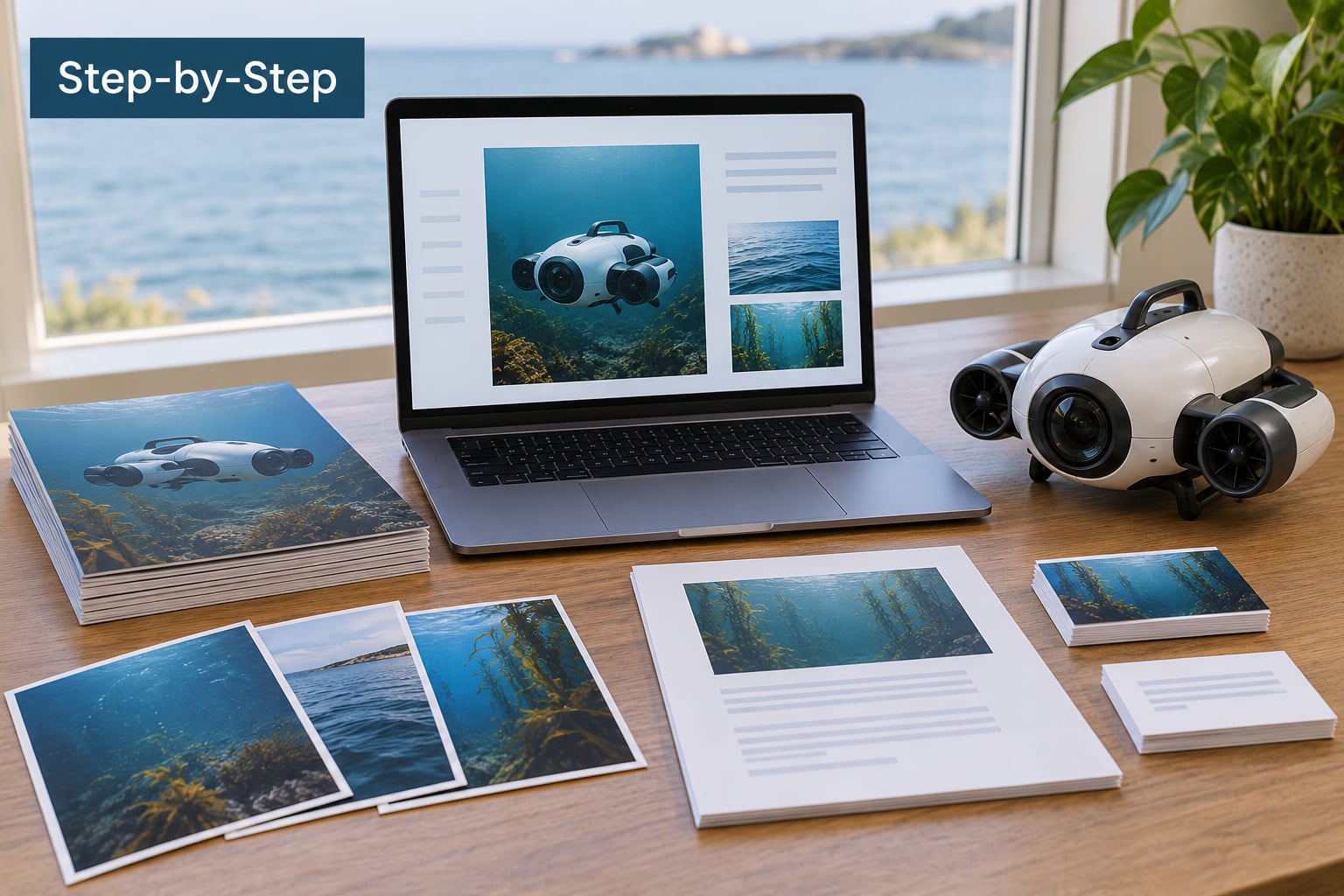
Seven steps, in this order. The sequence matters because the writing steps depend on facts you have not collected yet, and the packaging step depends on knowing what you actually have.
Step 1: Define the Project and Its Newsworthy Angle
Write down what the project does, who it is for, what problem it solves, and where development stands right now. Then state in one sentence why a journalist should care this week. Hardware coverage rarely happens because the device is clever — it happens because a comparison exists and your design wins it. Name that comparison explicitly: the off-the-shelf module you replace, the DIY approach readers would otherwise try, the manual process you remove.
One founder in r/hwstartups answered that objection by stating plainly that the device runs its own resolver instead of stacking an existing open-source tool on a consumer board. That single sentence did more for credibility than any adjective in the project README.
Step 2: Write a Concise Project Description
Write three layers: a 25-word summary for the top of the page, a 150-word overview for the body, and a longer technical summary for anyone who wants depth. Cover purpose, audience, development status, and the specific engineering differentiator. Add one short quote from the founder or lead engineer in their own words, since reporters prefer a human line they can attribute over a polished paragraph.
Step 3: Assemble the Essential Visual Assets
Shoot in daylight near a window or on a plain backdrop, and include something for scale — a hand, a ruler, a laptop keyboard. Capture the hero angle, one detail shot, one teardown or internals shot, and one showing the device in use. Write a caption for every image and add alt text that describes the picture rather than repeating the filename. If the hardware is not built yet, say so beside the render, because an unmarked render reads as a photograph of a finished product.
Step 4: Prepare Technical and Supporting Documents
Bundle the spec sheet, component list, schematic or block diagram, build notes, safety guidance, licence terms, and team bios. Link out to a demo video, repository, or design files where they exist — publishing CAD, schematics, and the bill of materials is unusual and readers notice it. Where the project is pre-production, describe the roadmap in stages so nobody mistakes a prototype for a shipping product.
Step 5: Add Contact and Availability Information
List the press contact’s name, role, email, and phone, then state interview availability in real terms — for example, weekdays between certain hours. Explain how to request a sample unit or a live demonstration, including what is available and what is not yet. If you offer review units, say whether they are loaned or kept, because reviewers plan their testing around that answer.
Step 6: Package the Files for Easy Reuse
Group assets into clearly named folders: images, logos, documents, video. Use descriptive filenames rather than IMG_4821 — a name like sensor-node-3q-angle-hero-300dpi.jpg saves a designer a call to your press contact. Export images at print resolution, vectors as SVG or EPS, and documents as PDF. Add a single index or contact sheet listing every file with its dimensions and intended use, and a short usage note covering where assets may be published.
Step 7: Review and Publish the Press Kit
Re-read every number against the hardware, check that each claim matches your test data, and confirm you hold rights to everything published. Check that downloads open on a phone and that images load without a login. Version the package — v1.0, dated — so you can retire it later without ambiguity. Publish on your own domain, then link that one URL from your pitch emails, campaign page, and newsroom.
Common Mistakes
Most hardware press kits fail on the same handful of things, and every one of them is cheap to fix before launch.
Jargon-first descriptions. Opening with architecture acronyms instead of the problem the device solves. Lead with what it does, put the architecture underneath.
Low-resolution images. Phone screenshots and photos pulled from a video look broken in print and unusable on a wide layout. Shoot properly and export at 300 DPI.
No captions and no rights. An uncaptioned image is a question you have created. Caption everything, and state plainly that editorial use is permitted.
Buried technical files. Spec sheets hidden behind a menu, or a drive link that expires. Everything gets a visible heading and a direct download.
Inconsistent branding. Three logo versions and four fonts across one page reads as an unfinished project. Ship a single logo pack and stick to it.
No reachable contact. A form that goes nowhere. Name a person, publish an address, and check it before every launch.
Undisclosed build stage. Showing a prototype beside production render without saying which is which invites the coverage you were trying to avoid. Label both honestly.
Stale numbers. Firmware versions, ship dates, and unit counts drift. A press kit older than your last production update is worse than no page at all.
One distribution habit fixes most of this: treat the page as the single source and never attach files to a pitch. Every outreach email should carry the link, not the archive — it keeps the kit current, and it means a journalist arriving months later still sees the live version.
Frequently Asked Questions
What should be included in a hardware project press kit?
Include a plain-language project overview, founder or team bios with headshots, high-resolution product photos with captions and publication rights, a downloadable spec sheet, technical diagrams or renders, a short founder quote, current build and availability status, licensing terms, and a named press contact with email and phone. Hardware-specific assets like certification marks, field test data, and CAD or schematics make the kit far more useful to reviewers than a generic company profile.
How long should a press kit be for a hardware project?
The overview should stay under 150 words and each bio under 100, because editors lift sentences rather than read pages. The full kit can run as long as the material is genuinely useful, but the page itself should scan in under three minutes. Depth belongs in downloadable documents, not in the body copy. If a section is not something a journalist would cite, cut it.
What file formats should I provide for press photos and logos?
Supply photographs as high-resolution JPEG for photography and PNG for anything needing transparency or a clean cutout. Export logos as SVG for digital use and EPS for print, with a transparent PNG fallback. Provide diagrams as PDF or SVG and documents as PDF. Use descriptive filenames rather than camera defaults, and state the pixel dimensions of each file so a designer can pick the right one without asking.
Should a hardware press kit include schematics and technical documents?
Yes, and it is a differentiator. Reviewers and technically literate readers want to see how the device works, not just that it works. Block diagrams, schematics, component lists, and open design files signal confidence and invite the kind of technical coverage that marketing copy does not get. Mark anything you cannot release and say why instead of silently omitting it.
How often should a press kit be updated?
Update it whenever something factual changes: a spec, a ship date, a firmware version, a certification, or a production stage. Before a launch, a crowdfunding campaign, or a trade show, review it line by line regardless. Version and date each release so a journalist holding an older copy can tell whether their facts are still current. Quarterly is a reasonable floor once things settle.
What is the difference between a press kit and a media page?
A press kit is the complete asset package about the project or company, including downloads. A media page or newsroom is the running archive of press releases and coverage. Many sites use one page for both, which works fine, but the distinction matters when someone asks for the assets specifically. Keep releases on the newsroom and the kit stable, so neither becomes cluttered.
Conclusion
Start with the fact sheet: one page listing what the project is, what stage it is at, the specs you can defend, and the one comparison it wins. Pick the three clearest images and caption them. Publish a versioned download package on your own domain, then send that single link when you pitch.
Everything else in the kit is a refinement of those three steps.