If you have never had to work out how to read NMEA sentences for yourself, you need four things and nothing more: the standard, a serial terminal, a working wire to the device, and one example sentence to dissect. Every sentence is one line of plain ASCII text, and once you split it on the commas the whole thing becomes readable in under five minutes. No library required.
I have spent enough time staring at raw streams off chartplotters, depth sounders and autonomous float logs to know where beginners get stuck. It is almost never the coordinates. It is the framing: knowing where a sentence starts, where it ends, and whether the bytes in between are trustworthy.
So this guide walks the whole chain in the order you actually need it. Capture the stream, find the sentence boundaries, verify the checksum, split the fields, then decode. Each step tells you what success looks like, so you know when to move on.
Table of Contents
What You Need
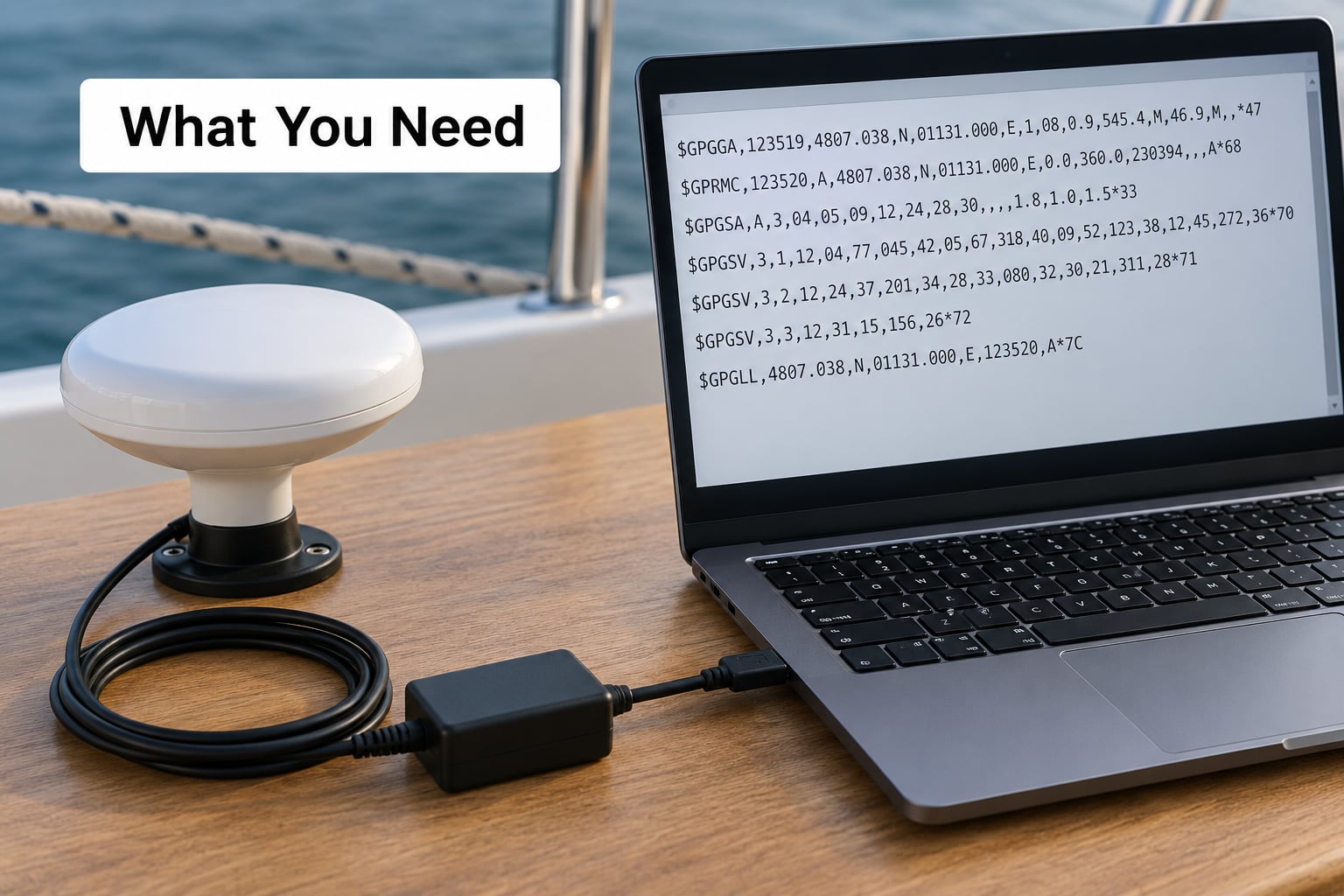
Four items, and only one of them costs real money beyond what you probably already own.
A copy of the standard, or a solid reference page. NMEA 0183 is maintained by the National Marine Electronics Association and is also published as ISO 61162 and IEC 62320. The full standard is not free, but you do not need it to get started. A field reference that lists sentence formatter codes and field structures is enough for the work in this guide. Print the GGA and RMC tables and keep them next to the terminal.
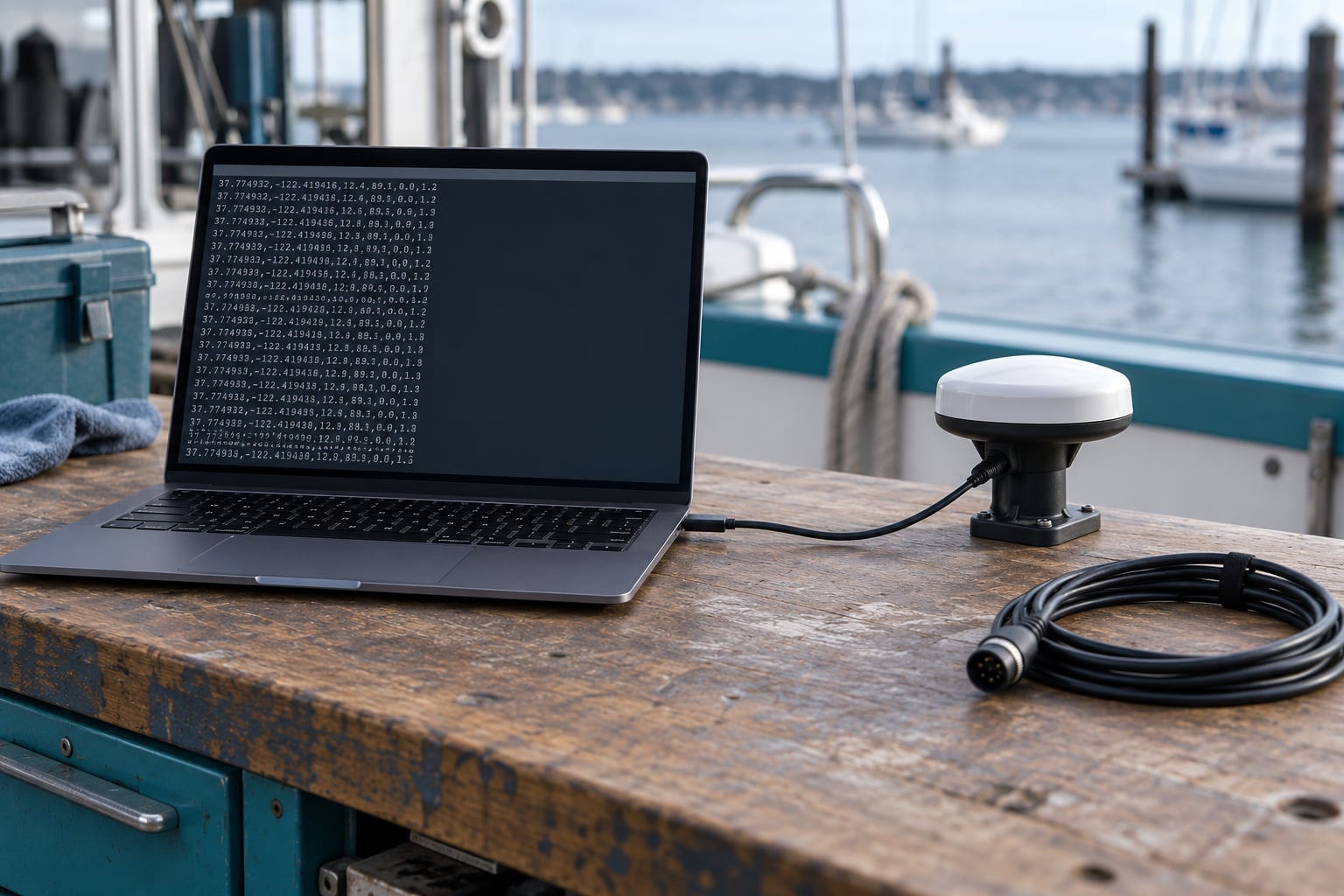
A serial terminal. Any of PuTTY, Tera Term, minicom, screen or CoolTerm will do. They all do the same job: open a port at a chosen baud rate and show you the bytes as they arrive. Pick whichever one runs on your machine. I use a terminal with a timestamp option, because sentence timing turns out to matter more often than people expect.
A serial interface to the device. Most marine equipment exposes either a DB9 connector, a USB-serial adapter or a raw UART header. A USB-to-TTL adapter costs very little and works with almost any modern receiver. Note the logic level: a 5 V TTL line connected to a 3.3 V pin will damage things, and a true RS-232 port needs a level shifter rather than a plain TTL adapter.
Access to three wires and a ground. You need the device transmit line, its receive line and a shared ground. The transmit line is what you listen to. If you are also sending commands back, you need the receive line too, and the two must not be crossed.
One known-good sentence. Do not try to learn the format from a live scrolling stream. Capture ten seconds into a text file first, then work on a single line from that file. This is the single change that makes the rest of the process calmer.
Two defaults to hold on to before you touch anything: NMEA 0183 defaults to 4800 baud, 8 data bits, no parity, 1 stop bit, and every sentence is terminated by a carriage return followed by a line feed. Some newer devices run at 38400 or even 115200 baud for higher sentence rates, but 4800 8N1 is where you should start.
Step-by-Step: How to Read NMEA Sentences
1. Identify the NMEA Talker and Sentence Type
Every NMEA sentence follows the same skeleton, whether it came from a wrist GPS or a marine multi-sensor. Learn the skeleton once and every sentence type becomes a variation on it rather than a new mystery.
$GPGGA,123519,4807.038,N,01131.000,E,1,08,0.9,545.4,M,46.9,M,,*47rn| Element | In the example | What it is |
|---|---|---|
| Start delimiter | $ | Marks the beginning of a sentence. Anything before it is noise. |
| Talker ID | GP | Two characters naming the source or constellation. |
| Sentence formatter | GGA | Three characters naming the data type. This is what tells you what the fields mean. |
| Data fields | 123519,4807.038,N,… | Comma-separated values. Field order is fixed by the formatter. |
| Checksum delimiter | * | Everything after this is the checksum. |
| Checksum | 47 | Two hexadecimal digits, the XOR of everything between $ and *. |
| Terminator | CR LF | 0x0D 0x0A. Ends the sentence. |
The talker ID is the part people over-interpret. Historically two characters meant the device type: GP for a standalone GPS, GL for a Loran-C receiver, GA for the Galileo system, and GB for BeiDou. Modern multi-constellation receivers report GN, which means a combined GPS and Galileo solution, and some newer units emit GB or GN for the same BeiDou data. NMEA 0183 v4.10 changed the BeiDou talker from BD to GB, so you will meet both in older logs.
| Talker | Meaning | You will see it on |
|---|---|---|
| GP | GPS | Classic standalone receivers, most older logs |
| GN | Combined GNSS, commonly GPS plus Galileo | Modern multi-constellation receivers |
| GL | Loran-C | North American coastal equipment |
| GA | Galileo | European receivers, sometimes under GN |
| GB | BeiDou | Modern units, NMEA 0183 v4.10 and later |
| BD | BeiDou, older code | Pre-v4.10 logs and some legacy firmware |
Write a parser that strips the talker ID before comparing, and treat both GP and GN as GPS data. Otherwise a receiver update will silently change which branch your code takes and you will spend a day wondering why nothing decodes any more.
2. Read the Comma-Separated Data Fields
Take everything between the start delimiter and the asterisk and split it on commas. You get a list, and the index of each item in that list is the field number. That mapping is fixed by the sentence formatter, which is why you always read the formatter before the fields.
Using the GGA example, splitting the body gives you these positions:
| Field | Name | Example value | How to read it |
|---|---|---|---|
| 0 | Talker plus formatter | GPGGA | GP is the talker, GGA is the sentence formatter. |
| 1 | UTC time | 123519 | hhmmss, always UTC, no timezone field. |
| 2 | Latitude | 4807.038 | ddmm.mmmm, degrees then minutes. |
| 3 | North or South | N | Sign for latitude. |
| 4 | Longitude | 01131.000 | dddmm.mmmm, degrees then minutes. |
| 5 | East or West | E | Sign for longitude. |
| 6 | Fix quality | 1 | 0 invalid, 1 GPS fix, 2 differential, 4 RTK fixed, 5 RTK float. |
| 7 | Satellites in use | 08 | Count of satellites contributing to the fix, zero-padded. |
| 8 | HDOP | 0.9 | Horizontal dilution of precision. Lower is tighter. |
| 9 | Altitude | 545.4 | Meters above mean sea level. |
| 10 | Altitude units | M | Meters. Some legacy sentences use f for feet or F for fathoms. |
| 11 | Geoid separation | 46.9 | Meters between the WGS84 ellipsoid and mean sea level. |
| 12 | Geoid units | M | Meters again. |
| 13 | Age of DGPS | empty | Seconds since the last differential correction. Empty means none. |
| 14 | Differential station ID | empty | Identifies the base station when corrections are active. |
Empty fields are normal and they carry real meaning. Two trailing commas in a GGA sentence are not corruption; they are unused fields the receiver left blank. If your code converts an empty string to the number zero, you will report a differential station age of zero seconds and a station ID of zero, which is a fabricated value rather than a missing one. Keep them as null.
One NMEA 0183 rule worth remembering: a sentence is at most 82 characters including the delimiters. Anything longer on the wire is a sign you merged two lines or lost a terminator.
3. Decode Coordinates, Time, and Status Values
Coordinates are the part that makes beginners quit, and it is a one-line formula once you see it. The value is not a decimal. It is degrees followed by minutes, and the two digits before the decimal point are always the degrees.
Take latitude 4807.038 from the example. Split at the degree/minute boundary: 48 degrees, 07.038 minutes. Convert the minutes to a fraction of a degree by dividing by 60, then add it to the whole degrees.
07.038 / 60 = 0.117300
48 + 0.117300 = 48.117300
Longitude 01131.000 works the same way: 1 degree, 31.000 minutes.
31.000 / 60 = 0.516667
1 + 0.516667 = 1.516667
Now apply the hemisphere field. N leaves the latitude positive, S negates it. E leaves the longitude positive, W negates it. Our example is north and east, so the position is latitude 48.117300, longitude 1.516667. A southern western position such as 3351.6428 S and 01825.2946 W converts to latitude -33.860713 and longitude -18.421577.
That sign flip is where projects go wrong. If your parsed position lands somewhere in the Indian Ocean when the boat is in Lisbon, check the hemisphere handling before you check anything else. A missing sign is invisible in a log and very obvious on a chart.
Time is simpler. The UTC field is hhmmss, so 123519 is 12:35:19 UTC with no timezone attached. Because it is UTC, local time is whatever offset you apply downstream. Never store a parsed NMEA timestamp without recording that it was UTC.
Speed and course in RMC are the other two units people trip over. Speed over ground is in knots, always, so 022.4 means 22.4 knots. Course over ground is in degrees true, so 084.4 means a heading of 84.4 degrees clockwise from north. Speed through water from a paddle wheel or a Doppler log is a different quantity entirely and arrives in a different sentence.
The fix quality indicator is worth memorising because it tells you whether to trust the position at all. A value of 0 means no fix, and the coordinate fields that follow are stale or blank. 1 is a plain fix, 2 is differential, 4 is RTK fixed with centimetre-level accuracy, and 5 is RTK float with decimetre-level accuracy. Values above 1 need a correction source, which on a small boat usually means an internet or radio beacon feed.
Altitude is a field people misread. Field 9 is height above mean sea level, already corrected. Field 11 is the geoid separation, which is the distance between the WGS84 ellipsoid and sea level, and that is the number to subtract from a raw satellite altitude to get what GGA reports.
RMC is the sentence most parsers should read first, because it packs position, fix status, speed, course and date into one line with a clear validity flag.
| Field | Name | Example value | How to read it |
|---|---|---|---|
| 0 | Talker plus formatter | GPRMC | Sentence identifier. |
| 1 | UTC time | 123519 | hhmmss in UTC. |
| 2 | Status | A | A for valid data, V for a warning. Never use a V fix. |
| 3 | Latitude | 4807.038 | ddmm.mmmm. |
| 4 | North or South | N | Sign for latitude. |
| 5 | Longitude | 01131.000 | dddmm.mmmm. |
| 6 | East or West | E | Sign for longitude. |
| 7 | Speed over ground | 022.4 | Knots, not kilometres per hour. |
| 8 | Course over ground | 084.4 | Degrees true, 0 is north. |
| 9 | Date | 230394 | ddmmyy, 23 March 1994. Watch the order, it is not ISO. |
| 10 | Magnetic variation | 003.1 | Degrees. Signed value, east is positive. |
| 11 | Variation hemisphere | W | E or W, the direction of the magnetic variation. |
| 12 | Mode indicator | A | A autonomous, D differential, M manual, N simulated. |
Prefer RMC over GGA in your own code because its status field is unambiguous. A GGA sentence can carry a fix quality of 0 with no valid coordinates, while RMC explicitly says the data is invalid. Checking one character saves you a range check.
4. Validate the Checksum
The checksum is an eight-bit XOR, which means you fold every character together with a bitwise exclusive-or. If you know what XOR does, you already know how to do this. If not, the only rule is that a bit set in either operand appears in the result, except where both operands have it, in which case it cancels.
Every character between the start delimiter and the asterisk is included, comma by comma, in hex. The result is written as two hexadecimal digits after the asterisk.
| Characters consumed | Running XOR |
|---|---|
| Start | 0x00 |
| G (0x47) | 0x47 |
| P (0x50) | 0x17 |
| G (0x47) | 0x50 |
| G (0x47) | 0x17 |
| A (0x41) | 0x56 |
| , (0x2C) | 0x7A |
| 123519 | 0x77 |
| ,4807.038 | 0x45 |
| ,N | 0x27 |
| ,01131.000,E,1,08,0.9,545.4,M | 0x1F |
| ,46.9,M | 0x47 |
| ,, (the two trailing empty fields) | 0x47 |
The result is 0x47, and the example sentence carries 47. That is a pass.
Two commas still count as characters. Forgetting the trailing empty fields is the most common hand-calculation error, and it produces a checksum that is one or two bits off from the correct value.
Now break it. If the latitude is altered by a single character, the running XOR changes and the transmitted checksum no longer matches. That is exactly what the checksum is for: it turns a silent corruption into a detectable one. Anything that fails the check should be discarded, not parsed with a shrug.
Some devices omit the checksum entirely, and NMEA 0183 allows it. Treat a missing checksum as unverifiable rather than valid. Log it, flag it, and decide deliberately whether your application can tolerate unverified data.
5. Confirm the Data Makes Sense
A sentence can pass its checksum and still be wrong, because the checksum only proves the bytes arrived intact. It does not prove the receiver had a lock. Four checks catch nearly everything.
Check the status fields first. RMC status must be A. GGA fix quality must not be 0. If either fails, stop and do not store the position.
Check the ranges. Latitude belongs between -90 and 90, longitude between -180 and 180, speed over ground below roughly 100 knots for a vessel, HDOP below about 5 for general navigation. A GGA line reporting latitude 4807.038 with no hemisphere character, or a value that decodes to 481.17 degrees, means your field indexing or your sign logic is broken rather than the receiver.
Check the clock. A receiver that has not acquired time yet often reports zeros or a stale date carried over from a previous run. If the UTC field reads 000000 for more than a few seconds while you already have a fix, suspect the antenna or the time source.
Check related sentences against each other. The GGA time field and the RMC time field should match within a second or two, and their latitude and longitude values should be identical or adjacent. A disagreement between two sentences from the same receiver almost always means a parsing bug on your side, because the receiver computed both from the same solution.
One more practical habit from forum work I have seen repeatedly: log the raw stream to an SD card in real deployments. A bench test that passes tells you very little about a failure at sea three weeks later, and the raw sentence is the only way to tell whether the sensor, the wiring or the parser was at fault.
Common NMEA Sentences You Will See
Ten sentence types cover most of what a receiver emits. Learn these and you can read almost any marine log.
| Formatter | Purpose | Key fields | Typical marine use |
|---|---|---|---|
| GGA | Global positioning system fix data | Time, latitude, longitude, fix quality, satellites, HDOP, altitude | Position logging, geofencing, chartplotter input |
| RMC | Recommended minimum navigation data | Status, position, speed over ground, course, date, magnetic variation | Primary navigation sentence, vessel tracking, autopilot input |
| GLL | Geographic position, latitude and longitude | Time, position, status | Minimal position-only devices |
| VTG | Course over ground and ground speed | Course true, course magnetic, speed knots, speed km/h | Speed and heading display when knots are not enough |
| GSA | Dilution of precision and active satellites | Mode, 12 satellite slots, PDOP, HDOP, VDOP | Fix quality assessment |
| GSV | Satellites in view | Total visible, signal strength, PRN, elevation, azimuth | Antenna and sky-obstruction diagnostics |
| GST | Position error statistics | RMS, standard deviation, 95 percent error radius | Survey and precision work |
| HDT | Heading, true | Heading in degrees true, null when unavailable | Compass input to a plotter or autopilot |
| ZDA | Time and date | UTC time, day, month, year, local zone offset | Accurate timestamping of your own log |
| DPT | Depth of water | Feet, metres, fathoms | Depth sounder to chartplotter |
| DBT | Depth below transducer | Feet, metres, fathoms | Older depth sounders |
| MTW | Water temperature | Degrees Celsius, Fahrenheit | Sea temperature logging |
| VHW | Water speed and heading | Heading true and magnetic, speed knots | Speed through water for current calculation |
| ROT | Rate of turn | Degrees per minute, sign gives direction | Turn detection on a bridge display |
| VDM, VDO | AIS radio messages, received and own | Six-digit sentence ID, payload, channel, message type | AIS target tracking |
If you are building something, the question is rarely which sentence type to learn. It is which sentence carries the data you need. Position comes from RMC first and GGA second. Speed over ground from RMC or VTG, speed through water from VHW. Depth from DPT, with DBT as the fallback on older gear. Magnetic variation from RMC field 10 or ZDA.
One warning about the marine set. Plenty of equipment emits proprietary sentences beginning with the letter P after the start delimiter, such as PFEC, PHDX or PSIMDHB. Each manufacturer invented its own field layout, and none of them match the standard. A parser that assumes every five-character prefix is a known formatter will choke on the first one it sees. Skip anything you do not recognise and keep reading.
Common Mistakes
Almost every NMEA problem I have debugged fits into one of these five patterns.
| Symptom | Likely cause | Fix |
|---|---|---|
| Garbled characters or random symbols | Wrong baud rate, or a TTL line wired to an RS-232 port | Set 4800 8N1. If that fails, try 38400, then 115200. Confirm the interface type before swapping cables. |
| Position in the wrong hemisphere | North and south, or east and west, applied to the wrong field | Apply N and E as positive, S and W as negative, on fields 2 and 4 for RMC. |
| Checksum always fails by hand | Including or excluding the wrong characters | XOR everything strictly between the start delimiter and the asterisk. Commas count, empty trailing fields count. |
| Zero values where data should be | Empty fields converted to numeric zero | Keep empty fields as null. A missing station ID is not station ID zero. |
| Parser fails on a line it used to handle | A proprietary P sentence, or a talker ID change after a firmware update | Skip unknown formatters. Strip the talker ID before comparing formatters. |
| Data appears in bursts then stops | Buffer overflow, because the receiver sends faster than the code consumes | Read more often, or move to interrupt-driven parsing with a ring buffer. |
| Never gets a fix | Antenna not seeing the sky, or cold start indoors | Move the antenna outside with a clear view of the horizon and allow a few minutes. |
That buffer row deserves more attention than it gets. A receiver configured to emit several sentence types can send far more data per second than a loop that reads once and parses in one go will handle. When the receive buffer overflows, the bytes you receive are no longer the bytes sent, and the failure looks random. Frame from an interrupt with a ring buffer, or slow the sentence rate down in the device configuration.
Tools and Tips for Reliable NMEA Use
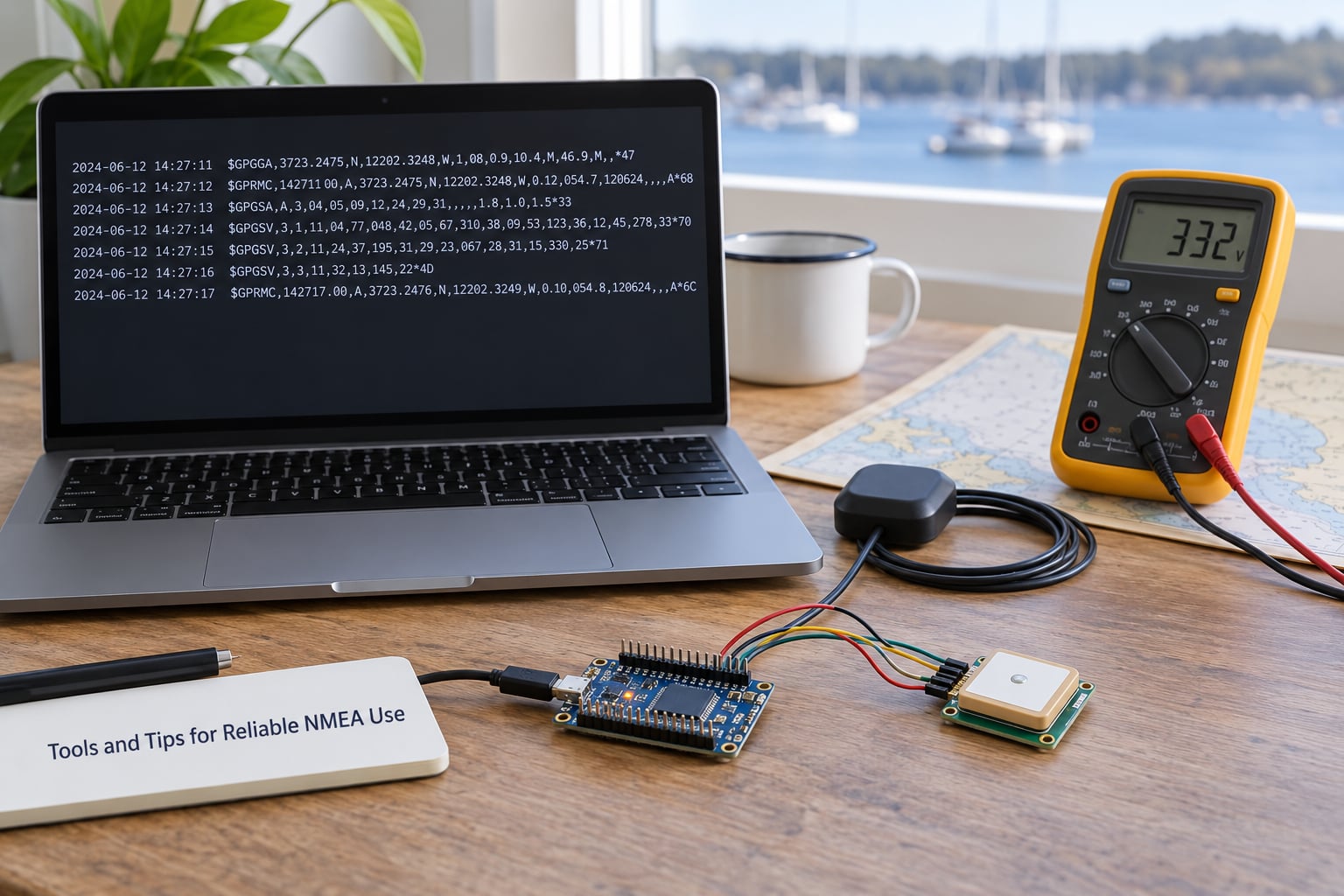
Writing the framing loop yourself once is worth it, even if you plan to use a library later. It is about fifteen lines and it makes the rest of the system obvious. This is the shape most working implementations converge on.
def checksum(body):
    result = 0
    for ch in body:
        result ^= ord(ch)
    return result

def parse(line):
    line = line.strip()
    if not line.startswith("$"):
        return None
    line = line[1:]
    if "*" in line:
        body, given = line.split("*", 1)
        try:
            expected = int(given[:2], 16)
        except ValueError:
            return None
        if checksum(body) != expected:
            return None
    else:
        body = line
    fields = body.split(",")
    formatter = fields[0][2:5]
    return formatter, fields

buffer = ""
# on every incoming byte:
if ch == "$":
    buffer = ""          # a new sentence starts, drop any partial one
buffer += ch
if ch == "n" and buffer:
    parsed = parse(buffer)
    buffer = ""
The two lines that matter are the ones that reset the buffer when a new start delimiter arrives, and the one that flushes on the line feed. Together they handle the case that trips up nearly every first-time parser: a sentence split across two reads, which is guaranteed to happen eventually.
Add a maximum buffer length as well. A stream with corrupted terminators can grow the buffer without limit until something fails. Capping it and discarding is cheap insurance.
Beyond the parsing loop, these habits have saved me real time.
Log raw sentences before you parse them. Always. A parser bug on a boat at night is much easier to fix when you still have the original text.
Validate the checksum in the same pass as you parse. Computing it takes microseconds, and it is the only integrity check the standard gives you.
Keep the receiver time and your system time together. If your software stamps rows with local clock time and the NMEA fields carry UTC, you will spend an afternoon wondering why the track is offset by an hour.
Isolate noise at the source. Long unshielded runs next to an engine or a VHF antenna produce dropouts that look like parsing bugs. Shielded twisted-pair cable, a proper ground and a ferrite bead solve most intermittent failures before any code changes.
Watch the DOP values as a health check. HDOP under 1.0 is a tight fix, 1 to 2 is normal handheld work, over 5 means the geometry is poor and the position should be treated as rough.
Know when you have outgrown 0183. NMEA 0183 is a single-ended serial protocol that shares a wire with multiple listeners, which limits bandwidth and means adding devices means adding a multiplexer. NMEA 2000 replaced it with a CAN bus carrying parameter group numbers, which supports far more devices, bidirectional messaging and higher update rates. New instrument packages increasingly ship with 0183 only as a compatibility option, so a gateway or a USB adapter keeps older equipment useful rather than obsolete.
Keep the sentences you log, not just the ones you use. GSV and GST are rarely needed by an application but are exactly what you want when a fix degrades and you need to know whether the sky was blocked or the receiver was confused.
One last framing point, since it catches experienced developers too. Do not assume sentences arrive in a fixed order. Receivers interleave GGA, RMC, GSA and GSV at their own configured rates, and a three-sentence cycle is not guaranteed. Key your code on the formatter, not on position in a repeating pattern.
Frequently Asked Questions
What is the format of NMEA GPS data?
An NMEA sentence is one line of plain-text ASCII. It starts with a start delimiter, followed by a two-character talker ID, a three-character sentence formatter, comma-separated data fields, an optional asterisk with a two-digit hexadecimal XOR checksum, and a carriage return plus line feed terminator. The maximum length is 82 characters. The formatter code tells you what every field position means.
How do I verify an NMEA sentence is valid?
Compute the eight-bit XOR of every character between the start delimiter and the asterisk, commas and empty fields included. Write the result as two hexadecimal digits and compare it with the value after the asterisk. A match means the bytes arrived intact. A mismatch means discard the sentence. A missing checksum is not a pass, it is unverifiable.
What baud rate and data format does NMEA 0183 use?
The standard default is 4800 baud, 8 data bits, no parity and 1 stop bit, written as 8N1, with ASCII text and a carriage return plus line feed terminator. Faster equipment and high-rate configurations use 38400 or 115200 baud, so if 4800 produces garbled characters, step the rate up rather than assuming a wiring fault.
What is the difference between GGA and RMC?
Both carry a position, but they serve different purposes. GGA adds fix quality, satellite count, dilution of precision and altitude, so it is richer for fix assessment. RMC adds a clear A or V validity flag plus speed, course and date, so it is better for navigation. Parse the formatter and pick RMC as your primary position source.
How do I convert NMEA latitude and longitude to decimal degrees?
The value is degrees followed by minutes, not a decimal. Take the digits before the decimal point as whole degrees and the digits after it as minutes. Divide the minutes by 60 and add the result to the degrees. Then apply the hemisphere field: N and E stay positive, S and W become negative. So 4807.038 N converts to 48.117300 degrees.
Why do proprietary NMEA sentences break my parser?
Any sentence beginning with the letter P after the start delimiter is proprietary. Each manufacturer defines its own field layout for these, and none follow the published standard. A parser that assumes every field position is fixed will misread them or throw an error. Skip unknown formatters, continue reading, and log them so you can identify the vendor later.
Conclusion
Start with one line. Capture ten seconds of output at 4800 baud, pick a single sentence, verify its checksum by hand, identify the talker and formatter, then map the fields using the sentence reference. Once that one sentence is decoded, every other sentence is a variation, and learning how to read NMEA sentences becomes a lookup job rather than a puzzle.