How deep can a GoPro go without a housing? Straight answer: 33 ft (10 m) on every GoPro from the HERO5 onward, with the factory doors closed and the gaskets clean. The MAX is the exception at 16 ft (5 m), and the HERO3 and HERO4 were never waterproof bare at all. Add the official protective housing and the same camera is rated to 196 ft (60 m). That is the official number, and it is the one that matters if you care about warranty.
I want to deal with the contradiction you will have already read somewhere: divers on scuba forums report running bare cameras far past 10 m with no problems, and some of those reports are genuine. The rating is still the rating, and the gap between a working camera and a flooded one is usually a single grain of sand. This guide walks through the numbers, the mechanics, and the decision.
Table of Contents
- How Deep Can a GoPro Go Without a Housing?
- Which GoPro Models Are Waterproof Without a Housing?
- How Do GoPro Waterproof Ratings Work?
- How Deep Can You Safely Go Based on the Rating?
- When Do You Need a GoPro Underwater Housing?
- What Changes the Camera’s Safe Depth?
- How to Check Your GoPro Before Submerging It
- How Deep Can a GoPro Go With a Housing?
- Best Practices for Underwater GoPro Use
- Frequently Asked Questions
- What to Do First
How Deep Can a GoPro Go Without a Housing?
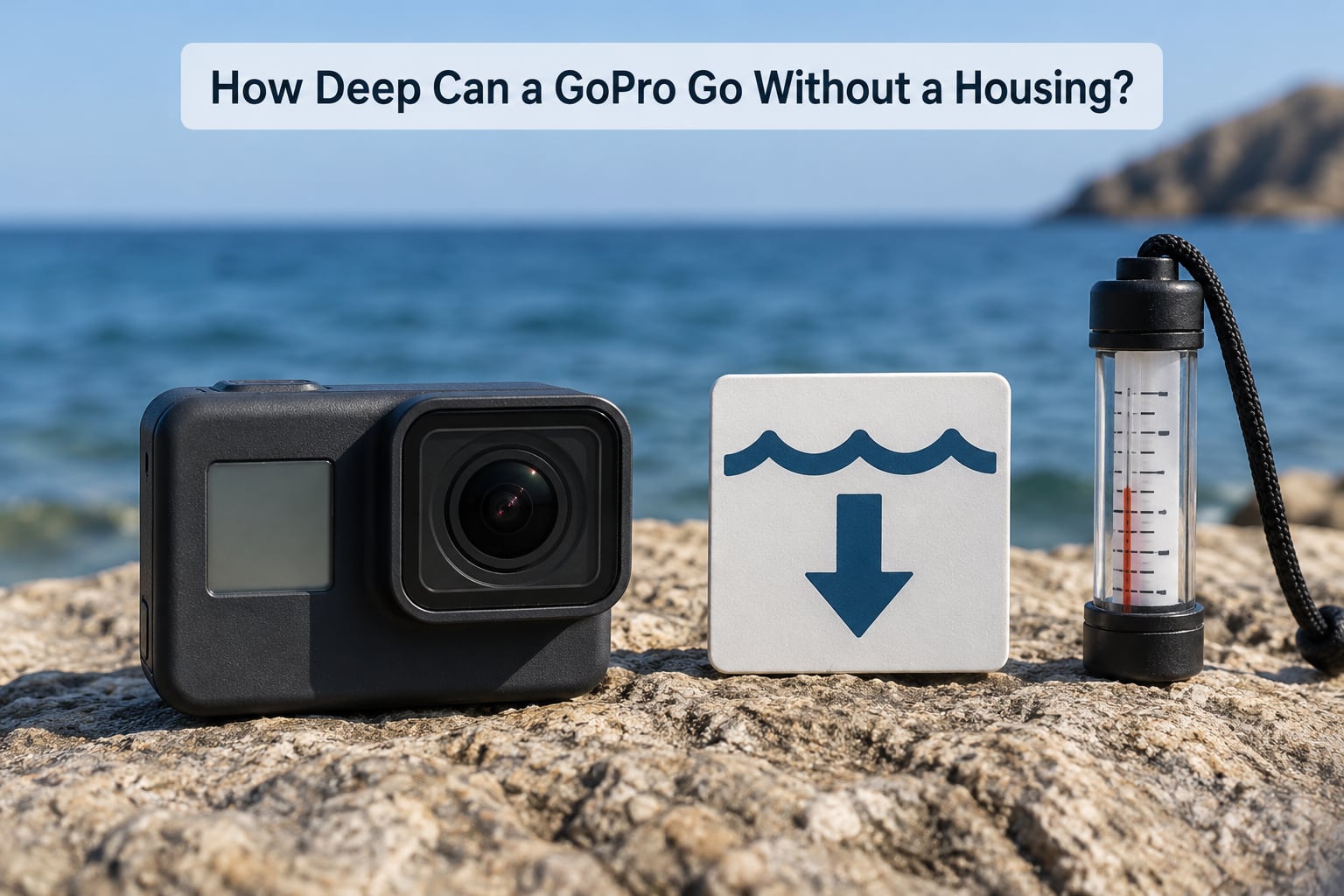
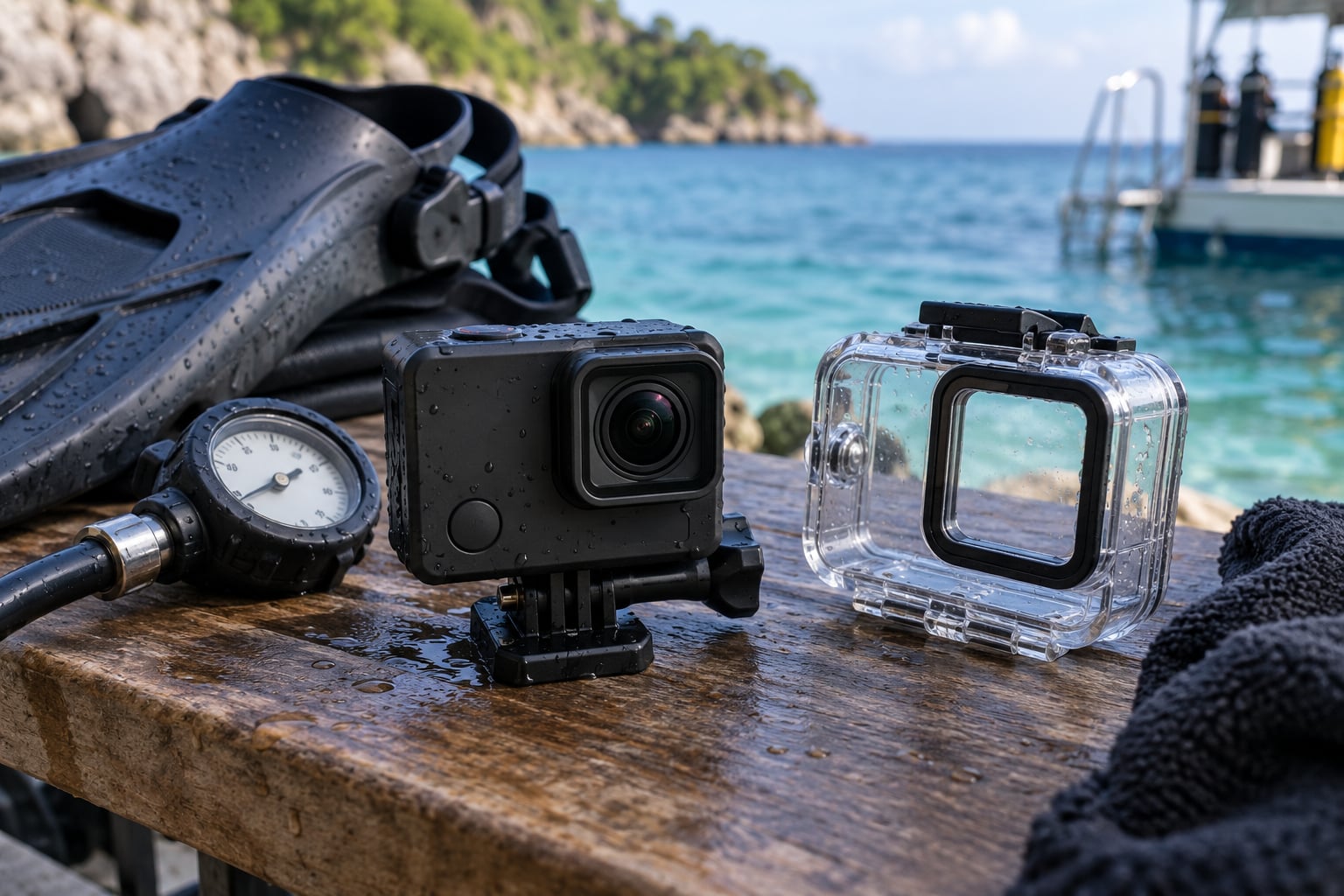
Bare, with the doors shut, the answer is 10 m. Not 10 m as a suggestion, and not 10 m in calm freshwater only — it is the depth the factory seal, the door gasket, and the button seals were qualified to hold. A GoPro support agent put the same way publicly in the GoPro community: so long as the camera door is closed, the HERO11 Black is waterproof down to 10 m (33 ft) without a housing.
Water pressure rises by roughly one atmosphere every 10 m of depth. At the surface the case already carries one atmosphere of pressure, so a bare camera at its rated limit is holding about two atmospheres against its seals. The rating exists because that is where the seal geometry, the gasket compression, and the plastics were tested.
Here is the whole range in one place, which no ranking page for this query publishes as a table:
| Model | Without a housing | With official housing | Notes |
|---|---|---|---|
| HERO13 Black | 33 ft (10 m) | 196 ft (60 m) | Same sealed body as the HERO12 generation |
| HERO12 Black | 33 ft (10 m) | 196 ft (60 m) | Current-generation flagship |
| HERO11 Black | 33 ft (10 m) | 196 ft (60 m) | Confirmed by GoPro support in the community forum |
| HERO10 Black | 33 ft (10 m) | 196 ft (60 m) | Rear screen makes door inspection easier |
| HERO9 Black | 33 ft (10 m) | 196 ft (60 m) | Fogging complaints usually trace to housings, not bare use |
| HERO8 Black | 33 ft (10 m) | 196 ft (60 m) | First generation with the skeleton backdoor |
| HERO7 Black, Silver, White | 33 ft (10 m) | 196 ft (60 m) | Silver and White share the sealed body |
| HERO6 Black | 33 ft (10 m) | 196 ft (60 m) | USB door seal is the extra failure point |
| HERO5 Black | 33 ft (10 m) | 196 ft (60 m) | First factory-sealed generation |
| HERO5 Session | 33 ft (10 m) | 196 ft (60 m) | One-piece body, no battery door |
| MAX and MAX 2 | 16 ft (5 m) | Use a dive case for anything deeper | One-third of the bare rating of the Black line |
| HERO4 Black, HERO4 Silver | Not waterproof | 131 ft (40 m) with the standard housing | With the Touch BacPac fitted, only 10 ft (3 m) |
| HERO3, HERO3+ | Not waterproof | 131 ft (40 m) with the standard housing | BacPac-style modular body with two exposed doors |
Two numbers in that table catch people out. The MAX at 16 ft is a genuinely different camera class, not a rounding difference. And the HERO4 with the Touch BacPac drops to 10 ft, because the BacPac touches the case in a way that changes the seal path — that configuration is not a waterproof 40 m camera.
Which GoPro Models Are Waterproof Without a Housing?
Every model from the HERO5 through the HERO13 is waterproof to 33 ft (10 m) bare
The HERO5 was the turning point. Before it, GoPro bodies were sealed by a screw-down BacPac clip and a separate waterproof case; from the HERO5 onward, the camera itself is a sealed unit and the housing became an accessory for depth and impact protection, not for basic submersion. Every Black generation since has kept the same 10 m bare figure.
The practical consequence: if you own a HERO6 or newer Black, or any HERO5, you can put it in the rain, in a river, in a wave, or on the back of a kayak without thinking about it. The rating covers immersion, not just splashes.
The MAX and MAX 2 are waterproof to only 16 ft (5 m) bare
This is the single biggest model-specific exception. The 360 line is rated to 5 m, which is fine for surfing, whitewater, and pool use but not for most of a snorkelling trip on a reef, let alone a scuba descent. If you shoot MAX, treat any housing as close to mandatory rather than optional.
The HERO3 and HERO4 were never waterproof on their own
Both lines are frequently described online as waterproof cameras. They are not. These bodies need the official waterproof housing, rated to 131 ft (40 m). Some HERO3 and HERO4 users have run them in a closed plastic bag or a screw-top jar with no incident, which is a reasonable backstop for a shallow snorkel and a bad plan for anything with pressure.
The HERO4 Touch BacPac drops the limit to 10 ft (3 m)
Fitting the Touch BacPac to a HERO4 puts an extra enclosure against the case, and the assembly is only rated to 3 m. Some users also report a permanently installed Touch unit that never had the proper seal. If that is your setup, it is a surface and splash camera, nothing more.
How Do GoPro Waterproof Ratings Work?
GoPro does not publish a hydrostatic test standard the way a dive computer maker might. What the 10 m figure means is simpler: the sealed assembly was pressure tested to roughly two atmospheres, in the factory configuration, with the doors properly latched. It is a pass or fail number, not a curve.
That is why a published depth rating is not the same thing as unlimited depth. It does not mean the camera tolerates 30 m. It means 10 m was qualified, and beyond that you are outside anything the manufacturer tested or stands behind.
It is also not the same thing as an IP rating, which is a common source of confusion. IPX8 is a general water ingress code: continuous immersion under conditions agreed between manufacturer and test lab, with no depth or duration published. A stated 10 m is more specific and more useful than IPX8. If a listing for a case or accessory shows IPX8 and no depth, it tells you nothing usable about your descent.
One more thing about how the number is generated: a bare camera has almost no clearance between the lens glass, the body, and the front of the case. As pressure rises, the internal parts press outward against the shell. In a housing with air behind the lens port, the same pressure instead compresses the whole case gently onto the camera, which is the mechanism behind the touchscreen behaviour described later in this guide.
How Deep Can You Safely Go Based on the Rating?
Convert the rating, then leave yourself a margin. 10 m is 32.8 ft, which is why the spec sheet rounds to 33 ft. 5 m is 16.4 ft. 40 m is 131.2 ft and 60 m is 196.9 ft.
I would not plan to operate a bare camera at 10 m. A working rule I use is 70 to 80 percent of the published rating, so about 7 to 8 m, because the rating assumes the best-case gasket and a fully closed door and the sea rarely cooperates with either. Anything deeper than that and you have left the warranty conversation behind entirely.
Now the honest part, because the field reports are not all nonsense. In a large scuba forum thread, reported bare depths range from about 7 ft up to 220 ft, with one diver describing an HERO at 150 ft with no issues and another at 35 m. On ScubaBoard, a diver running a HERO4 in its standard housing reports repeated descents to just over 30 m across multiple trips, and another reports roughly 100 ft on about ten descents without a leak.
Those reports are real, and they are also a survivorship sample. You never see the thousands of cameras that flooded. Read one more thread and the pattern changes: a GoPro community case has a camera full of water at 1.5 m with the door closed, and a diver on a fun trip with a HERO9 reports it simply does not work beyond about 10 m. The failure mode people describe most often is a seal that has already been compromised by sand, letting water in at a depth shallow enough that you do not notice until later.
There is a warranty reason to stay inside the rating, too. GoPro’s limited warranty does not cover liquid damage, so a camera lost to an out-of-spec descent is entirely on you. That is the entire risk calculus in one sentence: the upside of going to 30 m bare is a slightly better angle; the downside is a dead camera and a trip you cannot repeat.
When Do You Need a GoPro Underwater Housing?
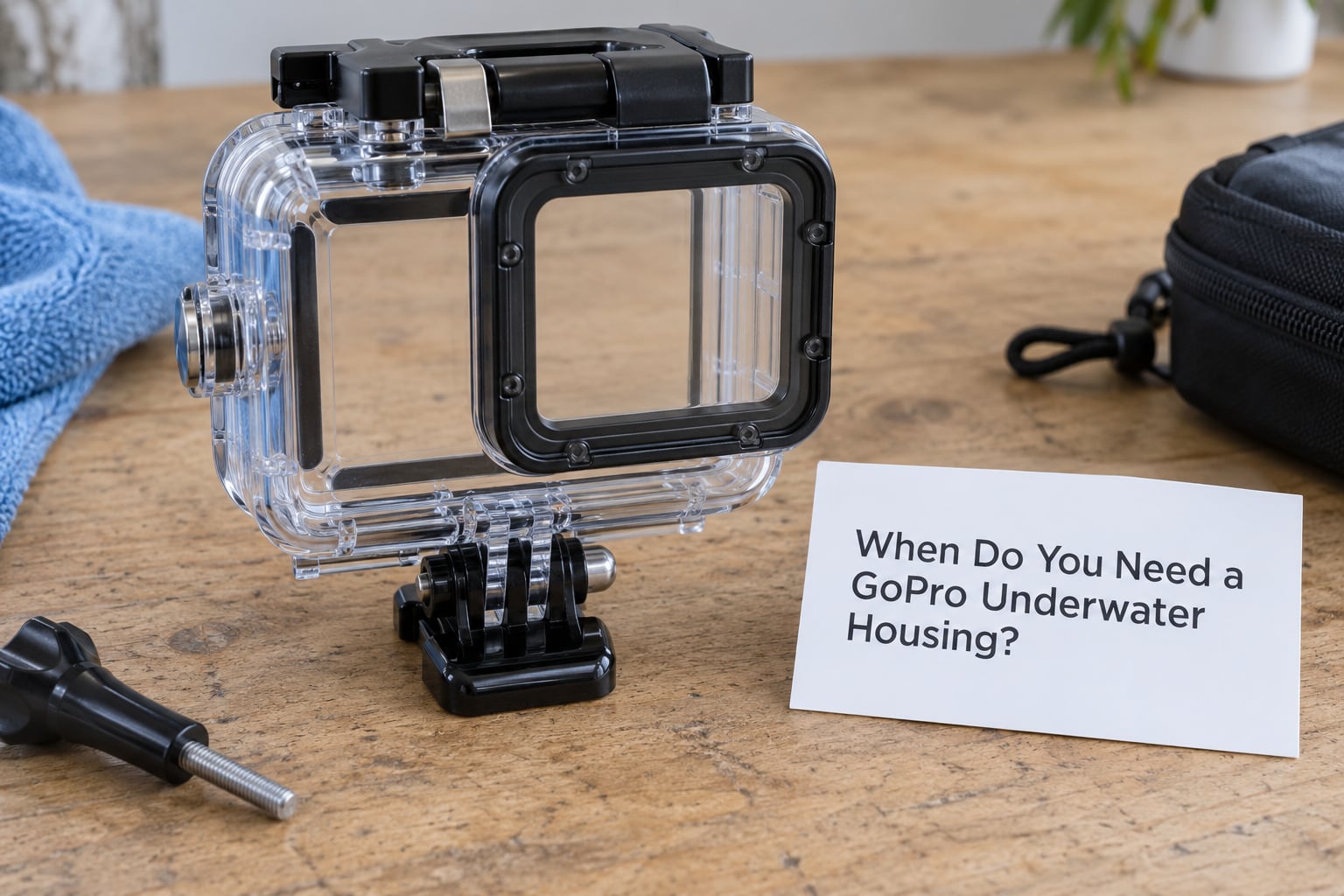
You need a housing in six situations, and the common thread is that nothing goes wrong at the first sign of trouble.
Scuba deeper than 10 m. Recreational scuba routinely runs to 18 m and deeper, so a housing is not optional for a dive camera. Many divers buy one for peace of mind rather than depth, which is exactly how most divers I have talked to justify it.
Prolonged submersion. A 10-minute bottom interval on a reef is a different exposure from a duck dive. Trapped air pockets and repeated pressure cycling wear seals faster than a single splash.
Impacts and abrasion. Kayaking, whitewater, surfing, boat decks, and working around a dock. The housing takes the hits that would crack a bare lens port.
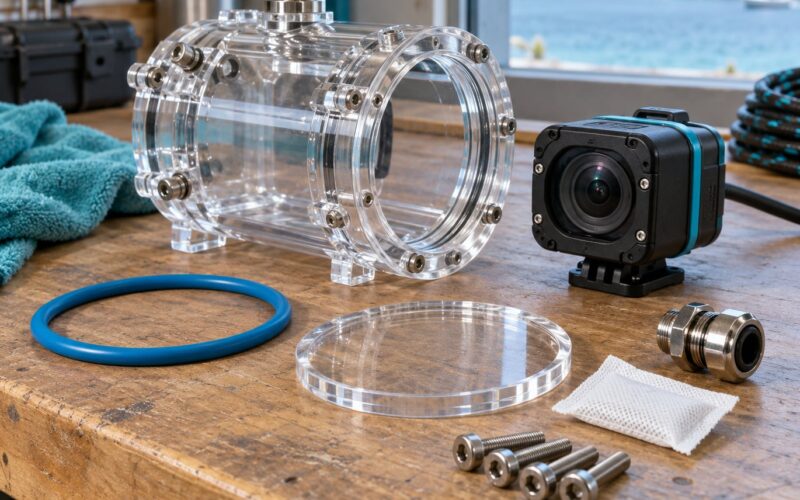
Unattended underwater deployments. This is the marine-robotics case, and it is the least forgiving of all. A GoPro-class camera on an ROV or AUV is set once and left alone for hours. Nobody is there to feel a failed seal, notice rising condensation, or reset a frozen button. Treat the OEM 60 m housing as the practical ceiling for unattended work and the housing rating as your actual depth limit, not the camera’s.
Older or uncertain-seal cameras. A HERO4, a camera that has been in salt water before, or any body with a cracked door catch. The rating assumes factory-new seals.
Any MAX below 5 m. At 5 m you are already at the ceiling. If you are taking a 360 camera past a snorkeller’s depth, it goes in a case.
What Changes the Camera’s Safe Depth?
Depth rating is a ceiling under ideal conditions, and the conditions are rarely ideal. Here is what actually moves your limit.
Pressure and how fast you get there
Descend faster than you plan to ascend and you can trap a pocket of air that expands on the way up, pushing water past a seal that held on the way down. Several flooding reports start with exactly that.
Temperature
Cold water stiffens gaskets and changes how the plastics behave. A seal that is supple in a warm tropical pool is measurably less forgiving in a temperate or cold dive, which is where most of the deeper field reports come from.
Seal condition
A hair, a grain of sand, a worn gasket, or a latch that closes but does not fully engage. This is the big one. Sand that defeats a seal at 2 m fails at 2 m; the depth was never the problem.
Lens and front port condition
A scratched or starred lens port concentrates stress, and a flat glass port can craze before it fails outright. Inspect it before every wet use, not once a season.
Saltwater corrosion
Salt left on a latch or a button shaft after the rinse will keep working at the seal long after the surface looks dry. This is how a camera that worked fine last season fails on its first trip this one.
Ghost-touch and button lockup under pressure
This one confuses people because the camera does not flood; it just stops responding. A scuba instructor reported the touchscreen activating by itself in a standard housing at around its rated 130 ft on roughly three descents in ten, and never with a thicker dive housing across close to thirty descents including one to about 197 ft. The housing pressed onto the screen and started registering phantom touches. Other owners report all buttons locking up on two different dive cases at shallow depth. If your footage goes black and the camera is dry, suspect pressure on the controls, not a dead battery.
How to Check Your GoPro Before Submerging It
Run this before every wet session. It takes about five minutes and it catches nearly every failure that would otherwise happen underwater.
- Check the rating for your exact model and configuration. Read the model number on the body. MAX is 5 m, not 10 m. A HERO4 with a Touch BacPac is 3 m, not 40 m.
- Inspect every gasket under light. Look for trapped sand, hair, salt crust, a flattened or torn section, or a permanent set in the rubber. Run a clean fingernail along the sealing surface; a groove or a hard edge means the gasket is finished.
- Inspect the latch and the door catch. Confirm the hinge pin is intact and the catch springs back fully. A catch that feels loose will not hold the same compression at depth.
- Close the door and confirm the click. Push until you feel and hear both latches seat, then look at the seam all the way around. An even, slightly compressed line is what you want. A visible gap at one corner is a stop, not a try.
- Confirm the correct backdoor is fitted. The skeleton backdoor is open by design. An aftermarket backdoor can quietly drop the rating below the factory figure, and nobody tells you this at the point of sale.
- Brief bath test in fresh water, then dry the outside. A minute in a sink, button check, no moisture on the screen. Note what a bath test cannot tell you: a leak that only opens under real pressure will pass this test, which is why shallow field failures still happen.
- Charge and format first. A camera that dies at 8 m cannot record the reason it flooded. Format the card, check the record time remaining against your planned bottom time, and disable anything you do not need.
- Do not submerge if any of the following is true. A flooded previous trip, a dropped camera, a sticky button, a door that needed force, a cracked lens port, or an unknown-seal third-party case. Rinse it, dry it, and service it instead.
For an unattended deployment, add one step: photograph the closed door and the gasket condition before the vehicle goes in the water. If it comes back flooded, that photograph tells you whether the seal failed or whether the camera was dropped.
How Deep Can a GoPro Go With a Housing?
With the right housing, the depth limit is set by the housing, not the camera. The Black-line housings are rated 196 ft (60 m), the HERO-era housings 131 ft (40 m), and third-party cases commonly sit between 30 and 45 m. Here is how the options compare.
| Housing | Rated depth | Fits | Trade-offs |
|---|---|---|---|
| Protective housing | 196 ft (60 m) | HERO8 Black and newer | Flattened glass lens port, more buttons accessible, best for shallow work and impact |
| Super Suit | 196 ft (60 m) | HERO9 and newer | Full-body shell, strongest protection, bulkier and heavier on a mount |
| Dive housing | 196 ft (60 m) | Most recent Black models | Buoyant, better lens glass, room for moisture strips, less control access |
| Standard housing | 131 ft (40 m) | HERO3, HERO3+, HERO4 | The period-correct deep option for those generations |
| Third-party cases | Typically 30 to 45 m | Model-specific | Cheaper, but check whether the case has a pressure port, a replaceable gasket, and a stated test method |
Three things trip people up here. First, naming: the protective housing, the Super Suit, and the dive housing are three different products with different shapes, different control access, and in some cases different depth ratings, and sellers frequently use the terms interchangeably. Second, the MAX has no OEM 60 m housing, so deep work on a 360 camera means a third-party case or a different plan. Third, housings are not maintenance-free. A dive housing is actually kinder to the touchscreen than a thin shell, because the extra internal clearance means the case does not press onto the screen the way a protective housing does at its rated depth.
And the lens port changes the image. A plastic port softens edges and adds distortion at the edges of the frame; flat glass ports are sharper and take more abuse. If you care about footage quality at depth, that trade-off matters more than the extra five meters.
Best Practices for Underwater GoPro Use
Rinse in fresh water, every time, salt water or not. Hold the buttons under a slow stream, pay attention to the latch and the charge port cover, and shake out the salt. Salt left to dry crystallises in the exact places that seal.
Let it dry before you open it. Wipe the outside, then leave the camera somewhere dry and ventilated with the door shut until it is completely dry. Opening a camera that has just come out of salt water lets humid air into a body that is already wet outside the seals.
Session models need a drain orientation. The HERO5 Session and HERO5 Session 2 are sealed one-piece bodies with internal cavities that hold a little water. Stand them upright with the port facing down after a soak and let it drain before storing.
Use anti-fog inserts with any housing. The cavity between the lens and the port traps warm, humid air. On descent that air cools and condenses across the inside of the port, which ruins footage without ever flooding the camera. It is a separate problem from leaking and gets blamed on leaking constantly.
Plan your recording before the descent. At depth you are not fiddling with menus. Set the mode, check the remaining record time against your planned bottom time, and confirm the status light is visible where you can see it. For deployments, log the start time and the depth of the first frame so the footage is usable later.
For unattended subsea work, treat the camera as consumable. On an ROV or AUV the failure nobody sees is the expensive one. Plan a pre-deployment check, log the seal condition, run a descent test before the real run, and keep spares. Nobody is going to notice condensation forming at 40 m until the footage comes back unusable.
Store it open, dry, and out of the heat. Long-term storage with the door left open in a dry room lets trapped moisture escape. Avoid a hot car, and avoid leaving a wet camera sealed in a bag for days.
Frequently Asked Questions
Can any GoPro go underwater without a housing?
Yes, most of them. Every GoPro from the HERO5 through the HERO13 is factory sealed and rated to 33 ft (10 m) with the doors closed, which covers rain, rivers, surf, kayaking and snorkelling. The MAX and MAX 2 are the exception at 16 ft (5 m). The HERO3 and HERO4 are not waterproof bare at all and need a housing for any submersion. Below 10 m, or on a scuba dive, use a housing.
Is a GoPro rated to 10 meters really safe at 10 meters?
Treat 10 m as the absolute ceiling, not a working depth. The rating assumes the door is fully closed, the gasket is clean and undamaged, and there is no impact history. I plan around 7 to 8 m, roughly 70 to 80 percent of the rating, because a single grain of sand can defeat a seal at any depth. GoPro’s warranty does not cover liquid damage, so an out-of-spec descent is a total loss.
Can I use a waterproof GoPro while scuba diving?
For shallow dives inside 10 m, a bare HERO5 or newer will usually work. For recreational scuba, which routinely runs past 18 m, put the camera in a housing rated 196 ft (60 m). Many divers buy the housing for peace of mind rather than depth, and that is the more common reason. Diving with a bare camera means accepting a flooded, uncovered camera as a real possibility on the trip.
Does using a GoPro without a housing risk condensation?
Less than a housing, but not zero. A bare body traps air in the lens recess and internal cavities, and on descent that air cools and condenses. In a housing it is worse, because the cavity is larger and holds warm humid air against the port, which is why anti-fog inserts exist. Foggy footage is a separate problem from flooding and gets mistaken for it constantly. Let the camera dry fully before opening it.
How do I find the water-resistance rating for my GoPro model?
Read the model number printed on the body and match it to the depth table in this guide. The rule is short: HERO5 and newer Black models are 10 m, Session models are 10 m, MAX and MAX 2 are 5 m, and HERO3 and HERO4 need a housing. Check any configuration changes too, because a HERO4 with the Touch BacPac fitted drops to 3 m. When in doubt, the specification in the manual for your exact model wins.
What to Do First
Look at the model number on your camera and decide which of the two columns in the table applies to you. If it is a HERO5 or newer Black, you have 33 ft with the door closed and you do not need a housing for anything shallower. If you are going deeper than that, or it is a MAX, or it is a HERO3 or HERO4, the housing is not an accessory decision — it is the depth limit.
Then run the eight checks above before the camera goes near water, every time. The rating is generous compared to what a bad gasket will tolerate, and GoPro will not replace a camera lost to liquid damage. For unattended underwater work, treat the housing rating as your real operating limit and log the seal condition before every deployment.