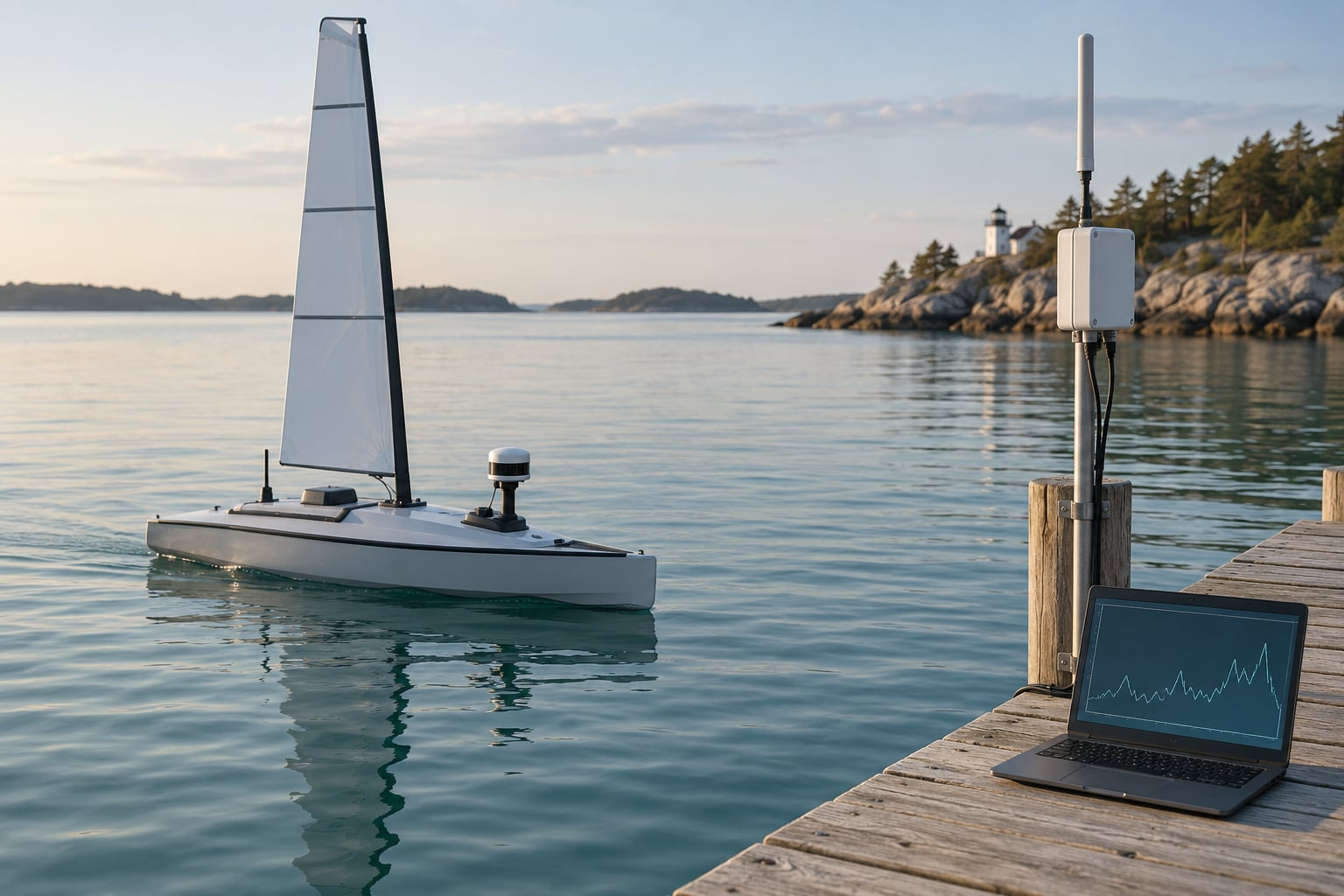
To publish sensor data to the web from a sailing robot, read the sensors on the boat’s controller, wrap each reading in a timestamped JSON message, and send it over a cellular or satellite link, either as an HTTP POST to an API or as an MQTT publish to a broker. The receiving service stores the readings and serves them to a browser-based dashboard, so you can watch a live chart and get alerts from shore.
It takes a weekend of careful work the first time, and almost none of it is the wiring. The parts that bite are the boring ones: reconnect logic after a dropout, timestamps when the boat is out of cell coverage, and credentials that must not end up in a public repository. This guide walks the whole chain in seven steps, with verification after each one so you always know which link broke.
Table of Contents
- What You Need to Publish Sensor Data to the Web
- Step-by-Step
- 1. Define the Data and Delivery Requirements
- 2. Read and Validate Sensors on the Robot
- 3. Send Sensor Messages with MQTT to Publish Sensor Data to the Web
- 4. Add a Web API and Store the Readings
- 5. Build a Live Sensor Dashboard
- 6. Configure Alerts for Important Conditions
- 7. Harden the System for Field Use
- Common Mistakes
- Frequently Asked Questions
- Can I publish sensor data to the web without a reliable internet connection?
- Should marine robot sensor data be publicly accessible by default?
- How do I choose between MQTT, HTTP, and a commercial IoT platform?
- What is the best database for a long-term stream of sensor readings?
- How can I reduce the power and bandwidth used by web publishing?
- Conclusion
What You Need to Publish Sensor Data to the Web
Four things have to line up: a sensor and controller on the boat, a network path, a receiving service, and something to look at the data with. Miss any one of them and the data dies somewhere between the hull and the screen.
Hardware on the boat
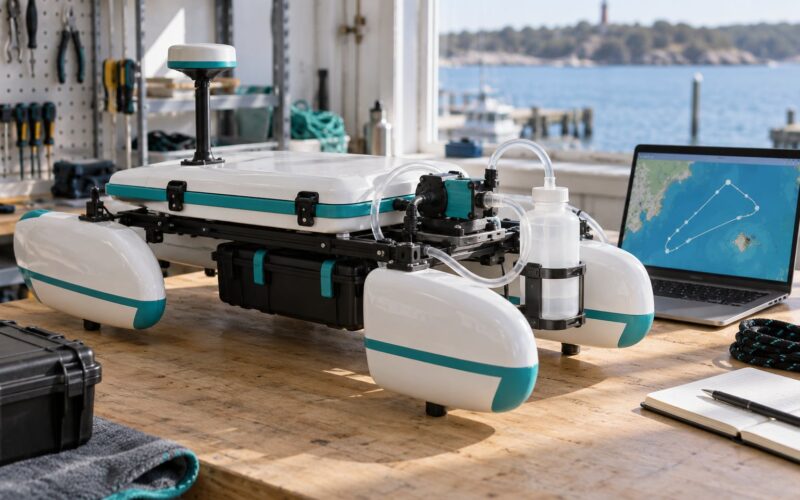
Most open-source marine robots use an ESP32-class microcontroller or a single-board computer such as a Raspberry Pi. Either works, but they fail differently. The microcontroller is far more tolerant of vibration, salt spray and sudden brownouts because it has no moving parts and boots in under a second, while a single-board computer is far easier to program and debug, and can run the entire pipeline including the dashboard bridge itself.
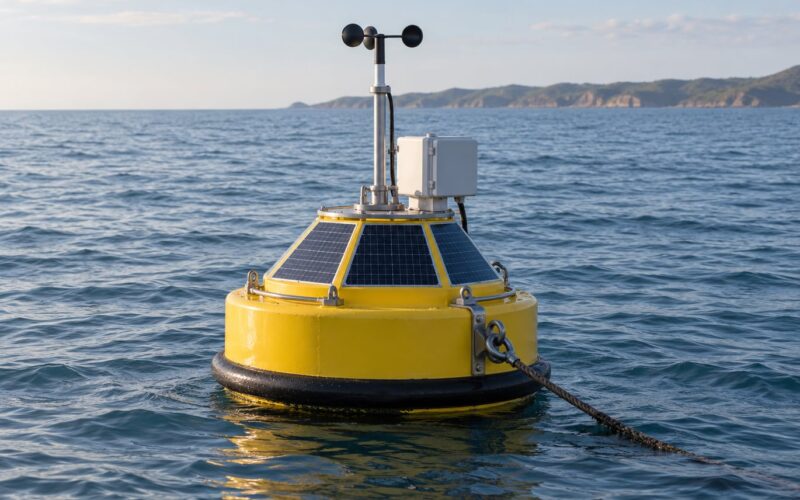
For sensors, expect to work with a temperature probe, a pressure or depth sensor, a GNSS receiver for position, and a battery monitor on the power bus. A combined weather chip such as a BME280 gives temperature, humidity and pressure over a single I2C bus, which keeps wiring short and failure points few. That bus also runs at 3.3V, so check the level before you connect a 5V breakout.
Two hardware details matter more at sea than on a desk. Use a locking connector or a potted box rather than a breadboard, and put the antenna clear of the metal mast, because a mast-mounted ESP32 next to a steel stay will drop its link the moment the boat turns. Salt fog corrodes exposed contacts within a season, so conformal coating on the board and a drip loop on every cable entering a housing are cheap insurance.
Network options
Cellular is the default for a coastal robot because it works offshore within a few miles of a tower. Satellite costs more per month but is the only option beyond visual range of land, and many plans bill by the megabyte, so your publish interval directly becomes your bill. LoRa or a packet radio modem is the right answer for a boat monitoring something in a bay with no internet at all, as long as a gateway on shore bridges it to the internet.
Test the link on the dock for a full day before you trust it. Watch how often the modem drops its session, because a link that holds for fifteen minutes at a time changes your buffering design completely.
Software and accounts
On the boat you need an MQTT client library such as Eclipse Paho, or the equivalent in your language of choice, plus a small local queue that survives a reboot. On shore you need an HTTPS API to receive the payloads, a database, and a dashboard. Most teams reach for a hosted IoT dashboard for the first version, since it supplies the charts and the history, then move to a self-hosted broker once there is more than one robot.
You will also need an account with your mobile carrier, an MQTT broker, and a domain with a certificate if the dashboard is anything other than a private test page. Create the accounts early, because DNS propagation can quietly eat an evening.
Step-by-Step
1. Define the Data and Delivery Requirements
Decide what you are actually measuring before you write a line of code, because the answer determines your power budget, your data plan and how long the database has to hold rows. A temperature, salinity, battery and GNSS reading is a reasonable starting set, and it exercises every failure mode you will meet later.
Write down the measurement, the measurement increment, how often you sample it, and how often you transmit it. These are different numbers. Sampling a depth sensor ten times a second and averaging locally before sending one reading a minute is standard practice, because transmit is what costs power and cellular data, not the reading itself.
Then decide what happens when the link is down. The honest answer for a boat is that the robot keeps sailing, writes readings to a local queue on the flash card, and flushes them when the modem reconnects. A payload that arrives twenty minutes late is still valuable telemetry; a payload that arrives with a fresh timestamp and old data is a lie your chart will happily draw.
{
  "device_id": "keel-01",
  "ts": 1767225600,
  "seq": 18422,
  "water_temp_c": 14.62,
  "salinity_psu": 34.1,
  "battery_v": 12.84,
  "gps_fix": true,
  "lat": 42.3511,
  "lon": -71.0482,
  "q": "ok"
}
Keep the payload under about 1KB. A compact JSON object like this costs a few hundred bytes, which at one message a minute stays comfortably inside any cellular plan. Timestamps must be UTC epoch seconds, or every chart you build later will be wrong by a timezone offset you cannot see.
2. Read and Validate Sensors on the Robot
Read the sensors and log them to the serial console before you involve any network service. This step is deliberately offline, because debugging a wrong reading through four layers of infrastructure is miserable, while fixing it while the value is still on your screen takes a minute.
Normalize as you go. Convert the raw counts from your sensor into the increment you promised in step 1, and attach the timestamp at the moment of reading rather than at the moment of sending, so a queued message still carries the time it was actually taken.
Reject implausible values at the source. A GNSS receiver that has not locked returns a latitude of zero, which is a real coordinate in the Gulf of Guinea and will wreck your map. A pH probe in air returns whatever the last wet value was. Apply a range check per channel, drop anything outside it, and increment a counter in the payload’s quality field so the gap is visible later instead of invisible.
def reading_is_plausible(r):
    if not -5 < r.water_temp_c < 40:      return False
    if not 0 < r.salinity_psu < 45:       return False
    if not 9 < r.battery_v < 16:          return False
    if r.lat == 0 and r.lon == 0:           return False   # no fix
    return True
Count how many readings your validation throws away before you move on. A few percent is normal for GNSS in a swell. Thirty percent means a bad connector, and no amount of cloud engineering will fix it.
3. Send Sensor Messages with MQTT to Publish Sensor Data to the Web
MQTT is a publish/subscribe protocol. Your robot publishes a message to a named topic, a broker holds that topic, and any number of subscribers receive it. The broker is what decouples the boat from the display, since a closed browser page or a boat with no signal do not interrupt the pipeline.
Design the topic hierarchy before you publish anything, and follow one convention so your subscriptions stay readable a year later. A workable scheme is sailing/<fleet>/<boat>/<sensor>, which gives you a wildcard subscription on a whole boat or an entire fleet with one string.
sailing/proteus/keel-01/env      # water temp, salinity
sailing/proteus/keel-01/power    # battery voltage, current
sailing/proteus/keel-01/position # lat, lon, fix quality
client.publish("sailing/proteus/keel-01/env", json.dumps(msg),
qos=1, retain=True)QoS 1 asks the broker to acknowledge delivery, which is what you want for telemetry you will be annoyed to lose. QoS 0 is smaller and faster, and is fine for a value that will be replaced thirty seconds later anyway. Set retain=True on the latest-value topics so a subscriber joining later immediately receives the current state instead of waiting for the next reading.
Verify the publish from shore before writing any other code. Subscribe from a terminal and you either see your message or you do not, with no dashboard in the way to confuse you.
mosquitto_sub -h broker.example.org -t 'sailing/proteus/#' -vConfigure reconnect with exponential backoff, a cap of roughly five minutes, and a local queue that stores messages in timestamp order until the broker accepts them. A robot that needs a physical reset because its Wi-Fi dropped is a robot that is out of service, and at sea nobody is coming to press the button.
One thing to be clear about: MQTT is not the web. A broker is a private address inside your network, and a browser on a phone across an ocean cannot subscribe to it. To publish sensor data to the web you either expose the broker carefully with TLS, or run a small MQTT-to-HTTPS bridge on shore that republishes the topics you choose to your public API. The bridge is the safer of the two, because it gives you one authenticated entry point instead of a broker with a public port.
4. Add a Web API and Store the Readings
On shore, stand up a single small HTTPS endpoint that accepts validated payloads and writes them to a time-series database. A single POST endpoint beats a REST design here. Sensor devices send one thing, they cannot read your API documentation, and every extra field in the request is a field that can be sent wrong.
Authenticate with a per-device token, stored in the boat’s flash as a provision generated at build time, never hardcoded in a source file. Check the schema on arrival, reject readings with a stale or future timestamp, and make the primary key a combination of device identifier and sequence number so a retry after a timeout cannot create a duplicate row.
POST /api/v1/readings
Authorization: Bearer <device token>
Content-Type: application/json

{"device_id":"keel-01","ts":1767225600,"seq":18422,"water_temp_c":14.62}
curl -i -X POST https://api.example.org/api/v1/readings
-H "Authorization: Bearer $DEVICE_TOKEN"
-H "Content-Type: application/json"
-d '{"device_id":"keel-01","ts":1767225600,"seq":1,"battery_v":12.8}'Check the response code, not just that the call returned something. Anything other than 2xx means the reading is not stored, and the boat should keep it in the queue rather than assume success.
Decide retention before you accumulate a year of data. Raw readings at one per minute are about half a million rows a year, which any time-series database handles without effort, but you may want to roll them up into hourly averages and keep the raw rows for a few months. Set a retention policy and let the database delete what you no longer need.
5. Build a Live Sensor Dashboard
The dashboard reads from the store, never from the robot directly. That distinction matters for more than architecture: a chart that queries your broker every second will hammer the boat’s data allowance and will show a gap whenever the boat is out of range.
Show five things and resist the urge to add a sixth. Current values with measurement increments, a rolling chart, the boat’s position on a map, a device status indicator, and the timestamp of the most recent reading. That last one is the most important widget on the page, because it is the only honest way to tell a live robot from one that stopped reporting an hour ago.
<script>
const src = new EventSource('/api/v1/stream?device=keel-01');
src.onmessage = (e) => {
  const r = JSON.parse(e.data);
  document.querySelector('#temp').textContent =
    r.water_temp_c.toFixed(2) + ' °C';
  document.querySelector('#age').textContent =
    'last seen ' + new Date(r.ts * 1000).toLocaleTimeString();
};
</script>
A server-sent event stream is usually the right amount of machinery for a dashboard. It is one-directional, which is exactly what a chart needs, it reconnects on its own, and unlike WebSocket it needs no separate server library. If your API is on a different origin from the page, you will also need CORS headers on the API or the browser will silently drop the stream. That silent failure is the single most common reason a working API shows an empty chart.
Put the dashboard behind a login unless the data is genuinely public. An unauthenticated dashboard showing a boat’s position is a position you have published to anyone with the link.
6. Configure Alerts for Important Conditions
Alerts earn their keep when they are rare. Start with five conditions that mean something is actually wrong: loss of GNSS fix, battery below a threshold, a sensor reporting nothing, a water temperature outside the range the boat is rated for, and no position change for an interval while the robot reports as sailing.
Evaluate them in two places. The boat catches conditions it must react to, such as a low battery that means divert to anchor, and the shore service catches conditions that need a human, such as a robot that has gone quiet. Doing all of it shore-side means you find out about a problem only when the link returns, which for a boat is often too late to be interesting.
Give each alert a severity and a delay. Without a delay, one bad GNSS reading sends an email, and you will learn to ignore the channel, which defeats the entire exercise. A good default is five consecutive bad readings before firing, plus a repeat interval so a condition still open does not generate a new message every minute.
Email is fine for a condition that needs a decision. A webhook to a chat channel is better for something that needs eyes in under a minute. A dashboard banner is for context, not for waking anyone, because nobody is watching a page at 3am and a notification they have learned to dismiss is worth nothing.
7. Harden the System for Field Use
Everything so far is a prototype that works on a bench. This step is what makes it survive a season, and it is the step most guides skip.
- TLS on the broker, the API and the dashboard. Plain HTTP on a public link exposes device credentials to anyone on the path.
- Per-device credentials with least privilege, so a compromised boat cannot read or alter another boat’s data.
- No secrets in source. Keep tokens in a local configuration file, add it to
.gitignore, and rotate anything that has ever been committed. - Rate limiting on the API, set above your legitimate publish rate, so a loop bug cannot fill the database overnight.
- Structured error logging on both ends, including the last payload received per device, which turns most silent failures into a five-minute diagnosis.
- An offline-first buffer on the boat, with a cap on how many messages it holds so a long outage cannot fill the flash card.
- Automatic recovery: watchdog timer on the controller, systemd restart on shore services, and a boot script that re-establishes the modem and re-subscribes before the main program starts.
Then run the restart test, which is the one that finds real bugs. Power-cycle the robot and confirm it reconnects without a human. Restart the broker and confirm the robot recovers. Restart the API and the dashboard and confirm the chart refills. Do all four while the boat is in a marina with a laptop on a hotspot, because that is the condition it will meet in practice, and the usual surprise is a service that only starts correctly when you log in by hand.
On the power side, budget the radio before the sensors. A cellular modem transmitting every minute can draw more peak current than everything else combined, so deep sleep between publishes, and a publish interval tied to what you actually need, will extend mission time further than any sensor choice. A gateway on shore is the more efficient arrangement when you have several boats, since the radio duty cycle is paid once.
Common Mistakes
These are the failures that show up again and again, and the quiet ones are worse because nothing reports an error.
| Symptom | Likely cause | Fix |
|---|---|---|
| Data stops arriving, no error anywhere | The client never reconnects after a dropped session | Add reconnect with capped exponential backoff and keep a local queue |
| Chart is empty, the API works | CORS headers missing on the API origin | Send the correct Access-Control-Allow-Origin header and retest |
| Values look wrong by a fixed amount | Local time stamped instead of UTC | Use epoch seconds from UTC everywhere, in payloads and queries |
| Map shows the boat in the Gulf of Guinea | Zero coordinates written before GNSS lock | Range-check position and publish a fix-quality flag |
| Same reading repeated for hours on shore | The last message is retained, but no new ones are being sent | Show the last-seen timestamp and alert on staleness |
| Sudden spike in data volume | Publish interval set in milliseconds by mistake | Clamp the interval in code and rate-limit the API |
| Intermittent drops on the water | Antenna mounted near a metal mast | Move the antenna clear of metal and check the modem’s signal readings |
The habit worth building is verifying at every layer. Print the reading to the serial console, subscribe with mosquitto_sub, curl the API and read the status code, then open the dashboard. Four checks take a minute and tell you exactly which link broke, whereas an empty chart tells you almost nothing.
For field testing, run the whole stack for at least a week at the dock before the boat leaves. Watch for a missed night, a modem session that expires, and a device that requires a reset to reconnect, because those only show up when something is left running overnight. Once at sea, keep a fallback: a physical log to the flash card means a bad week of telemetry can still be recovered later, and a silent robot is far harder to diagnose than one that recorded the failure.
Frequently Asked Questions
Can I publish sensor data to the web without a reliable internet connection?
Yes, if you design for offline first rather than treating the link as always present. Have the robot write every validated reading to a local queue on the flash card, with a size cap so a long outage cannot fill it, and flush the queue in timestamp order once the modem reconnects. MQTT with QoS 1 and a broker that stores messages handles short gaps automatically. For boats out of cell range for days, add a shore gateway over LoRa or a packet radio, or use a satellite link, so the data reaches the web when range is regained rather than being lost.
Should marine robot sensor data be publicly accessible by default?
No. Default to private and share deliberately. Position data in particular tells anyone who asks where your boat is right now, and a public endpoint with no authentication is one shared link away from being indexed. Put the API and dashboard behind per-device credentials and a login, publish readings over TLS, and give each boat its own token so one compromised device cannot read the fleet. If you want a public page, publish a small anonymous subset such as water temperature, and keep identity and position behind the login.
How do I choose between MQTT, HTTP, and a commercial IoT platform?
HTTP is the simplest and best for a single device sending a value now and then, because any language with an HTTP client can do it. MQTT is better once you have several devices, want commands to travel back to the boat, or need the broker to buffer during outages. A commercial IoT platform is fastest to a working chart and worth it while you are a beginner, but its retention and rate limits eventually shape your design, and its cost grows with the number of readings. Many teams start on a platform and migrate to a self-hosted broker later.
What is the best database for a long-term stream of sensor readings?
For readings that arrive as a time series, a time-series database such as InfluxDB is the natural fit, because it is built to compress timestamped data, query ranges and run downsampling and retention policies cheaply. A relational database such as PostgreSQL works fine and is easier to operate if you already run one, as long as you index on device and timestamp. Avoid storing raw rows in CSV on a server as your primary store, since it will not survive concurrent writes or a growing dataset without a lot of care.
How can I reduce the power and bandwidth used by web publishing?
Sample often and transmit rarely. Read the sensor at a high rate, average or median-filter locally, and publish the result at an interval that matches how fast the value actually changes. Deep sleep the radio between publishes, since a cellular modem transmitting every minute can draw more peak current than every other component combined. If you run several boats, put the radio on a shore gateway and use a low-power link such as LoRa, so the per-boat duty cycle is short. Compressing the payload and trimming fields helps, but interval choice dominates everything else.
Conclusion
Start smaller than feels reasonable. Instrument one sensor, publish a single validated reading through a secure MQTT-to-HTTPS path, and confirm it on a live dashboard before you add a second channel or a map.
Once that one reading appears on a page you can open from shore, the rest of the work is repetition: more topics, a local queue that survives an outage, thresholds that wait for five bad readings before they shout, and a restart test that proves the whole chain recovers without you standing next to the boat.